Time Management Tips for Busy Digital Creators
Struggling to manage time as a digital creator? I share real strategies, routines, and tools that helped me stay focused, productive, and avoid burnout.
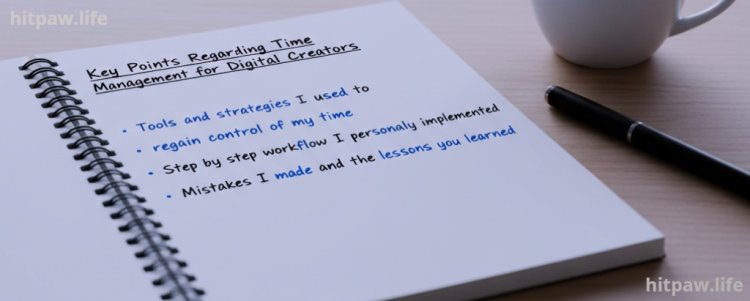
Key Points Regarding Time Management for Digital Creators
• Why time management is a common struggle for digital creators
• Real life examples of tasks piling up and missed deadlines
• Tools and strategies I used to regain control of my time
• Step by step workflow I personally implemented
• Mistakes I made and the lessons I learned
• Pro tips, maintenance tables, and routines for long term success
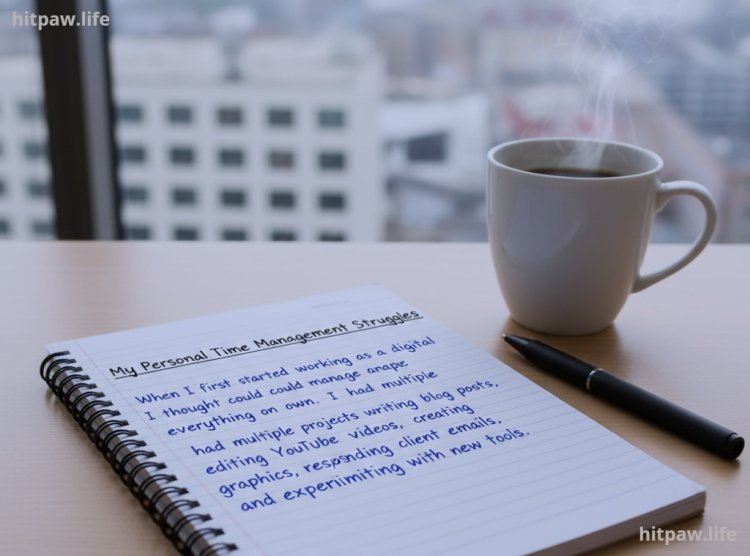
My Personal Time Management Struggles
When I first started working as a digital creator, I thought I could manage everything on my own. I had multiple projects writing blog posts, editing YouTube videos, creating social media graphics, responding to client emails, and experimenting with new tools.
Despite working long hours, I constantly felt behind. Deadlines slipped, projects piled up, and I was overwhelmed. I tried following generic productivity hacks I found online, but nothing worked long term.
Eventually, I realized that time management for digital creators is not about doing more it’s about managing energy, prioritizing tasks, and building systems that actually stick. Over months of trial and error, I developed routines and strategies that helped me reclaim my time, stay productive, and reduce stress. This article is a complete guide based on my real experience.
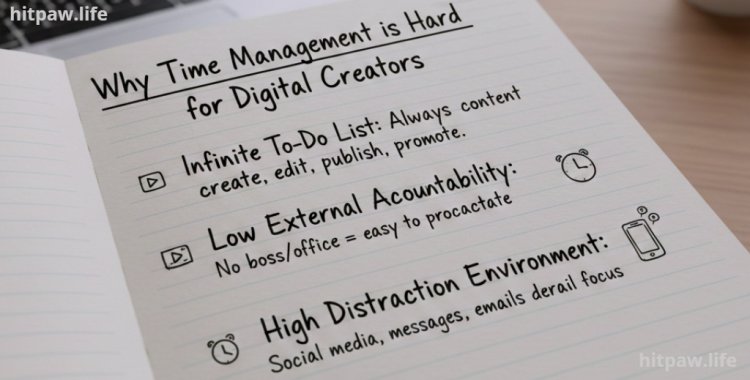
Why Time Management is Hard for Digital Creators
Digital creators face challenges unique to their profession:
1. Infinite To Do List There’s always content to create, edit, publish, or promote.
2. Low External Accountability Without a boss or structured office environment, it’s easy to procrastinate.
3. High Distraction Environment Social media, messages, emails, and tools can derail focus in seconds.
4. Creative Fatigue Balancing creative work with repetitive tasks can drain energy quickly.
I realized that these obstacles are not a sign of laziness. They are structural issues that need systems and habits, not motivation alone.
Tools I Actually Use to Manage My Time
I experimented with dozens of apps, planners, and tools. Here’s what worked for me:
Digital Tools
• Notion For task management, project boards, and content planning
• Google Calendar Time blocking each task, including breaks
• Clockify Tracking actual working time versus distractions
• Trello Optional, for collaborative projects
• Todoist Quick task capture and daily prioritization
• Focus To Do Pomodoro timer for focused work sessions
Physical Tools
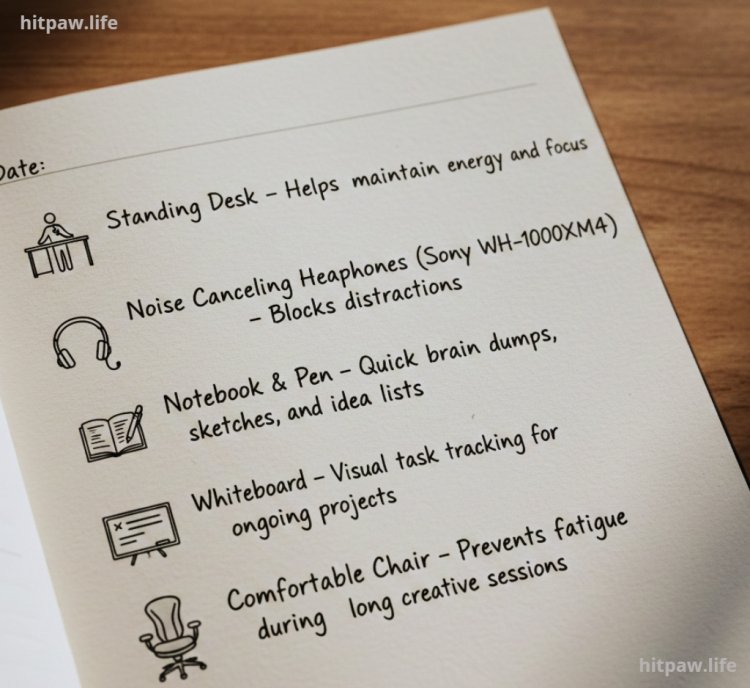
• Standing Desk Helps maintain energy and focus
• Noise Canceling Headphones (Sony WH-1000XM4) Blocks distractions
• Notebook & Pen Quick brain dumps, sketches, and idea lists
• Whiteboard Visual task tracking for ongoing projects
• Comfortable Chair Prevents fatigue during long creative sessions
What I Got Wrong the First Time
Learning from my mistakes was crucial. Here are the mistakes I made and how I fixed them:
Mistake #1: Trying to Do Everything at Once
I juggled blogging, YouTube, client work, and social media every day. Result: burnout, stress, and unfinished projects.
Fix: I started prioritizing tasks using the Eisenhower Matrix. Only urgent and important tasks became my focus each day.
Mistake #2: Overcomplicating Tools
I used too many apps at once Notion, Trello, Asana, Clockify, Todoist. Most became cluttered and confusing.
Fix: I streamlined to Notion, Google Calendar, and Clockify as core tools. Optional apps are only added if they simplify work.
Mistake #3: Ignoring Energy and Breaks
I assumed long hours = more productivity. Creativity and focus crashed after a few hours.
Fix: Introduced Pomodoro sessions and scheduled breaks, walks, and movement. Energy levels stabilized and output improved.
Mistake #4: Not Tracking Progress Visibly
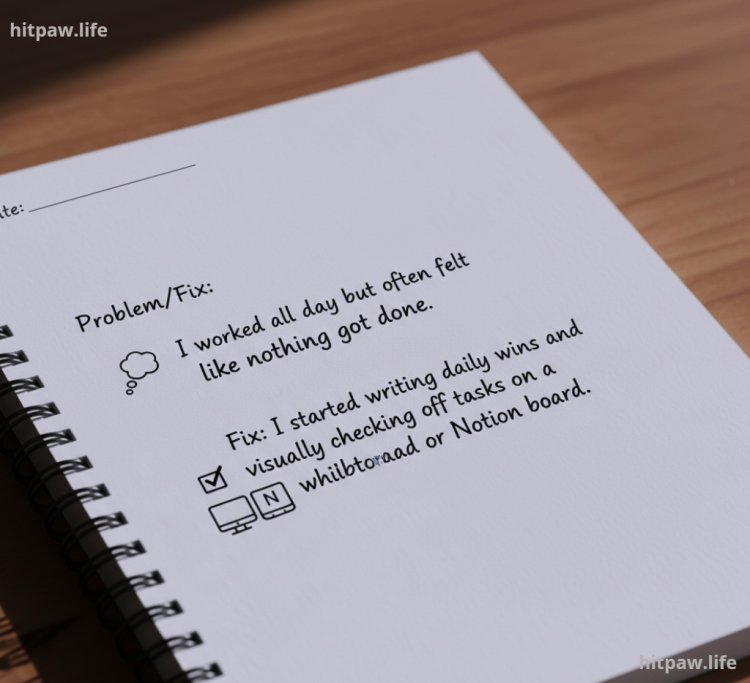
I worked all day but often felt like nothing got done.
Fix: I started writing daily wins and visually checking off tasks on a whiteboard or Notion board. It created accountability and motivation.
Step by Step Time Management Routine I Use Daily
Here’s my exact workflow, which helped me reclaim hours of productive time each week.
Step 1: Morning Brain Dump (10 to 15 min)
I open Notion and write down every task, idea, or deadline. This clears my mind and creates a master task list.
Step 2: Prioritize Tasks (5 to 10 min)
I select 3 main priorities for the day. Everything else is secondary.
Step 3: Deep Work Block #1 (90 min)
• Focus entirely on top priority work
• Phone on Do Not Disturb
• Emails, messages, and social media off
Step 4: Short Break (15 min)
• Stretch, hydrate, walk
• Avoid screens
Step 5: Deep Work Block #2 (60 to 90 min)
• Continue top priority or secondary tasks
Step 6: Admin & Communication Block (30 to 60 min)
• Reply to emails, client messages, and update collaborative platforms
Step 7: Lunch Break (30 to 60 min)
• Screen free, ideally away from desk
Step 8: Creative / Secondary Work Block
• Video editing, graphics, writing, or testing new tools
Step 9: Daily Review & Planning (15 min)
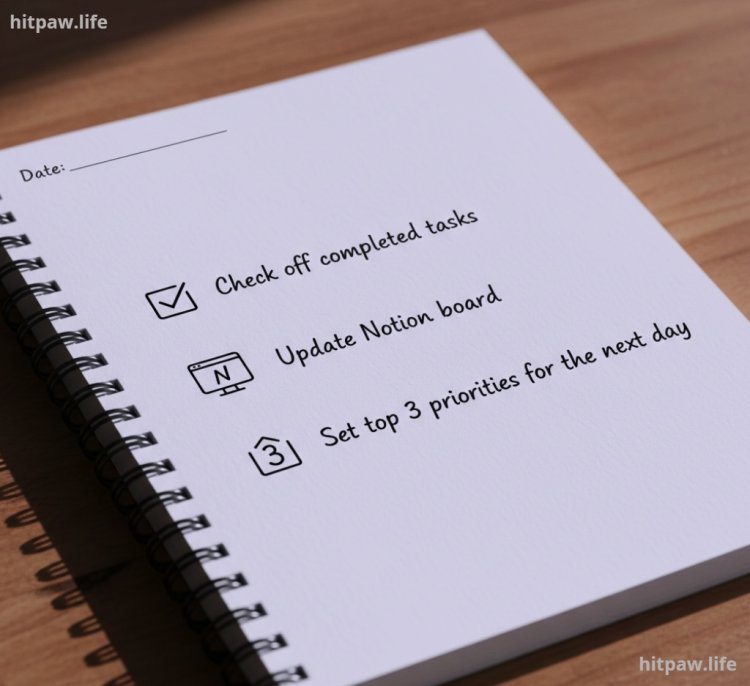
• Check off completed tasks
• Update Notion board
• Set top 3 priorities for the next day
Practical Examples From My Real Life
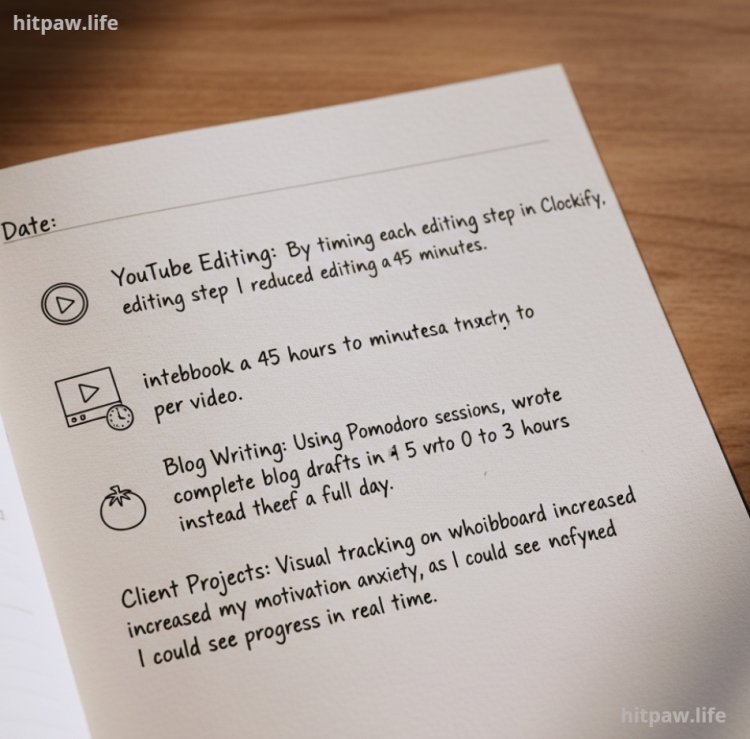
• YouTube Editing: By timing each editing step in Clockify, I reduced editing from 2 hours to 45 minutes per video.
• Blog Writing: Using Pomodoro sessions, I wrote complete blog drafts in 2 to 3 hours instead of a full day.
• Client Projects: Visual tracking on a whiteboard increased my motivation and reduced anxiety, as
Tips That Helped Me Stay on Top of My Time
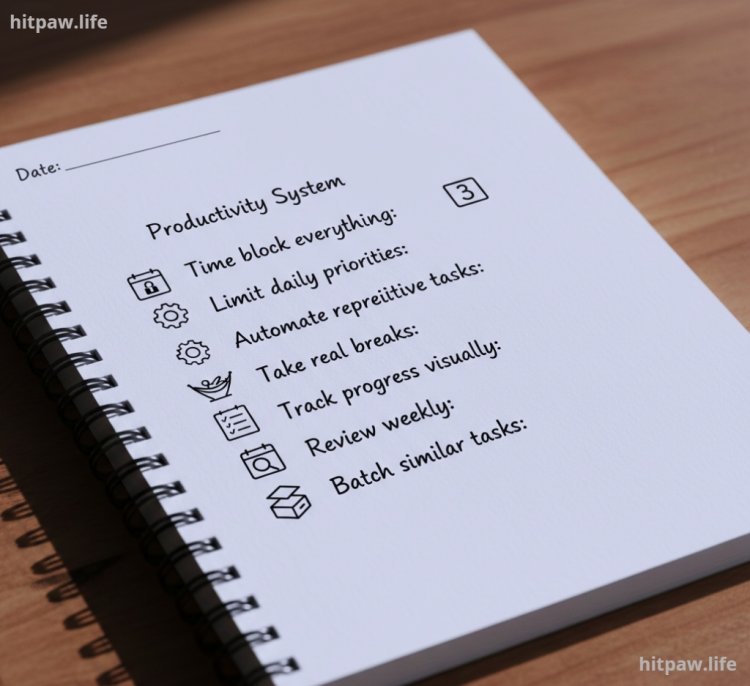
1. Time block everything: Protect your focus periods like appointments.
2. Limit daily priorities: Only 3 main tasks per day for sustainable productivity.
3. Automate repetitive tasks: Templates, scripts, or scheduling tools save hours.
4. Take real breaks: Mental rest is as important as work.
5. Track progress visually: Helps maintain motivation.
6. Review weekly: Adjust workflow instead of forcing yourself to overwork.
7. Batch similar tasks: Save energy by grouping similar activities.
Real Feedback From My Experience
• Workdays became predictable and less stressful
• Tasks completed faster, with less fatigue
• Increased creative output due to reduced context switching
• Motivation stabilized thanks to visible progress
• Burnout risk decreased
Handling Low Motivation Days
Even with systems in place, some days are tough. I follow this routine:
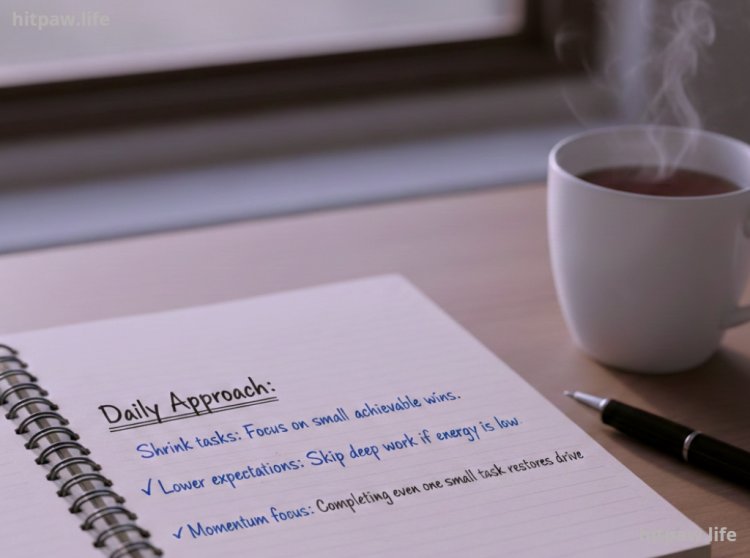
• Shrink tasks: Focus on small, achievable wins.
• Lower expectations: Skip deep work if energy is low.
• Momentum focus: Completing even one small task restores drive.
In Summary
Time management isn’t about doing more it’s about doing the right things efficiently. For digital creators:
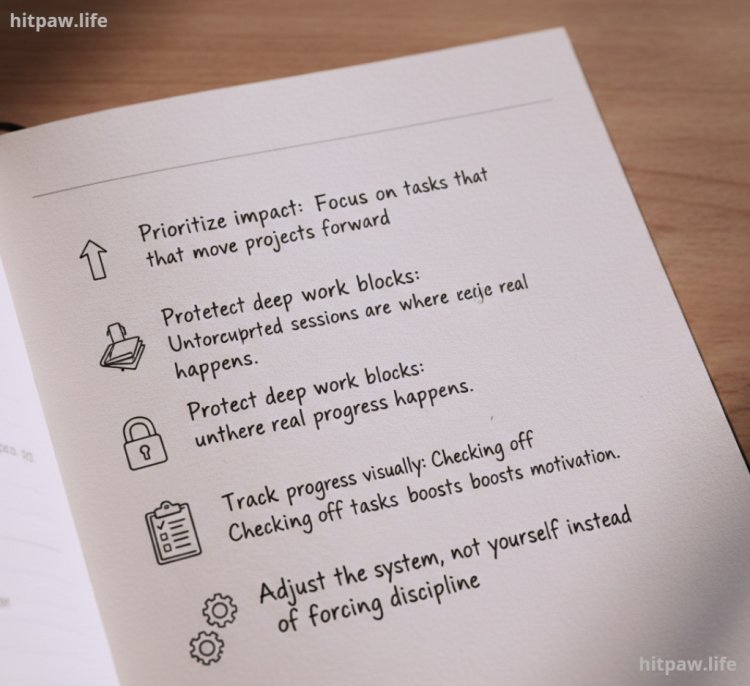
• Prioritize impact: Focus on tasks that move projects forward.
• Protect deep work blocks: Uninterrupted sessions are where real progress happens.
• Track progress visually: Checking off tasks boosts motivation.
• Adjust the system, not yourself: Fix workflow issues instead of forcing discipline.
• Rest matters: Breaks and downtime sustain creativity.
By following these strategies, I went from chaotic and overwhelmed to focused, productive, and motivated. Productivity is a journey start small, adjust, and protect your energy.
FAQs
1. Do I need all the productivity tools mentioned?
Not at all. I started with Notion, Google Calendar, and Clockify, and they were enough for me to manage tasks efficiently. Extra tools like Trello or Todoist can help if your workflow grows, but too many tools can create confusion.
2. How many tasks should I realistically focus on each day?
I recommend 3 main priorities per day. Focusing on these ensures progress on important tasks while avoiding overwhelm. Secondary tasks can be handled after completing the top priorities.
3. What should I do on days when motivation is low?
Even if I feel unmotivated, I complete one small, achievable task, like organizing files or drafting a quick outline. Completing a minor task restores momentum and prevents a day from being wasted.
4. Can beginners follow this system?
Absolutely. Even with just one project or platform, time blocking, daily priorities, and clear routines can dramatically improve productivity and focus.
5. How do I avoid burnout as a digital creator?
Burnout often comes from overworking and scattered focus. I avoid it by protecting deep work blocks, taking breaks, and tracking energy levels. Short walks, stretching, or stepping away from screens helps maintain creative energy.
6. How long does it take for time management habits to stick?
For me, it took 2 to 3 weeks of consistent practice. The first week felt forced, the second week uncomfortable, and by the third week, my routine became more natural and automatic.
7. What if I fail to complete my top tasks?
I review why the tasks weren’t completed whether it was overambitious planning, low energy, or distractions. Then I adjust my workflow instead of pushing extra hours, keeping long term productivity sustainable.
What's Your Reaction?