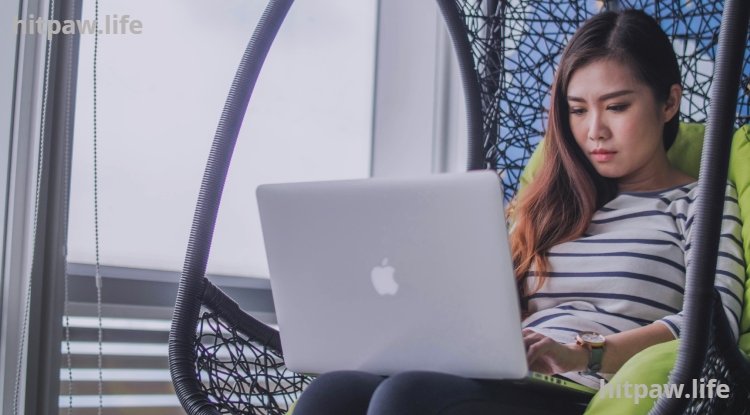
Essential Tips for Setting Up a Productive Home Workspace
Discover how I created a productive home workspace that boosts focus and efficiency. Learn practical tips, essential tools, and personal insights for working remotely successfully.

Key Points Regarding Setting Up a Productive Home Workspace
Understanding the importance of a dedicated workspace
Selecting the right location for focus and comfort
Ergonomic tools and furniture that support health
Step by step guide for a fully functional setup
Personal lessons from mistakes I made
Practical tips, productivity hacks, and maintenance routines
Real life feedback and examples
FAQs to address common challenges
How I Built My Productive Home Workspace
When I first started working from home, I was overconfident that I could be productive anywhere. My “office” was a corner of the living room, my laptop balanced on a dining table. Within hours, I was distracted by noise, chores, and even my own comfort or lack of it.
Over time, I realized that a productive workspace wasn’t just about having a desk; it was about creating an environment that supports focus, health, and efficiency. Through trial, error, and research, I learned how to design a home workspace that genuinely boosts productivity.
This blog is my detailed guide, based on personal experience, that walks you through every step from choosing the right spot, selecting tools, testing setups, and maintaining an environment that keeps you productive all day.
Why a Dedicated Workspace Matters
I learned the hard way that working without boundaries leads to burnout. At first, I worked from the couch. My posture was terrible, I got distracted every few minutes, and I felt my stress levels rise.
· When I invested time in creating a dedicated workspace, the difference was immediate:
Focus improved dramatically
Physical discomfort decreased
My work life boundaries became clearer
Motivation and consistency increased
Creating a proper workspace doesn’t just improve output it improves your mental health, your posture, and your overall satisfaction with work.
Tools I Used
Here’s a comprehensive list of items that became game changers for me:
Desk: 48inch adjustable sit stand desk, so I can alternate between sitting and standing
Chair: Ergonomic chair with adjustable lumbar support (Herman Miller Sayl)
Monitor: 27inch 4K monitor for sharp visuals
Laptop Stand: Adjustable stand to maintain eye level
Keyboard & Mouse: Mechanical keyboard and ergonomic mouse
Lighting: Adjustable LED desk lamp with daylight mode
Headphones: Noise anceling headphones (Bose QC45)
Cable Management: Velcro straps, under desk cable trays, and labeled cords
Plants: Small indoor plants like Snake Plant, Pothos, or Aloe Vera for freshness
Whiteboard & Planner: For task organization and daily planning
Storage Solutions: Minimalist drawer organizers for pens, papers, and devices
Decor: Minimal personal items to avoid clutter but maintain comfort
Step by Step Guide to Setting Up Your Workspace
Step 1: Choose the Right Location
Pick a quiet corner with minimal foot traffic.
Natural light is ideal but avoid glare directly on your monitor.
Distance yourself from distractions like TV or household chores.
I personally chose a small corner next to a window that faces away from the street, giving me sunlight without distraction.
Step 2: Desk and Chair Ergonomics
Chair height should allow your feet to rest flat on the floor.
Desk height should keep elbows at roughly 90 degrees while typing.
My setup: I sit on an ergonomic chair, sometimes stand for 20 to 30 minutes using a sit stand desk.
Adding a small footrest can relieve pressure on the lower back during long hours.
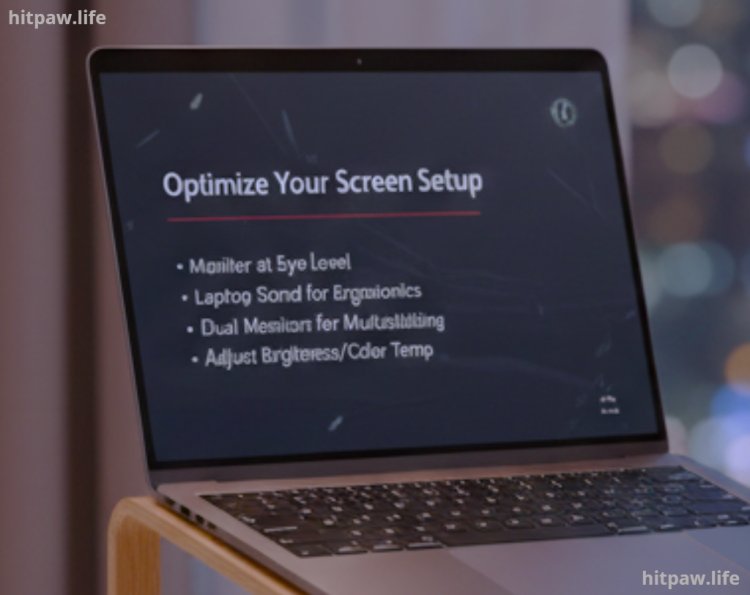
Step 3: Optimize Monitor and Screen Setup
Monitor should be at eye level and an arm’s length away.
I use a laptop stand to raise my laptop, preventing neck strain.
Dual monitors can enhance productivity if you multitask heavily.
Adjust brightness and color temperature to reduce eye strain.
Step 4: Reduce Distractions
Put your phone on Do Not Disturb mode during work blocks.
Noise canceling headphones reduce household interruptions.
I also use website blockers to avoid social media distractions.
Keep the desk minimal: only essentials should be visible.
Step 5: Cable and Accessory Management
I used Velcro straps, under desk trays, and labels to organize cables.
Fewer tangled cords reduce frustration and risk of accidents.
I also keep only necessary accessories on the desk to prevent clutter.
Step 6: Personal Comfort and Environment
Adding a plant improves mental clarity. I recommend low maintenance plants like Pothos or Snake Plant.
Ambient room temperature matters: too hot or too cold reduces focus.
I use adjustable LED lamps to balance lighting throughout the day.
A small personal item, like a photo or a small figurine, keeps the workspace inviting without cluttering it.
Step 7: Test, Adjust, Repeat
I adjusted chair height, monitor distance, and desk layout multiple times.
Testing different arrangements prevented fatigue and discomfort.
Even now, I tweak my setup occasionally as my needs evolve.
What I Got Wrong the First Time
My first setup ignored ergonomics, causing back pain.
Too many gadgets created clutter instead of helping productivity.
Decorations were overdone, visually distracting me.
I initially tried to do everything from a couch, which hurt both posture and focus.
Lesson: prioritize comfort, simplicity, and practicality over aesthetics.
Real Life Feedback & Examples
After improving my workspace, I tracked productivity using Pomodoro timers and focus logs. My effective work hours increased by 30 to 40%.
Friends who adopted my basic ergonomics setup also reported less stress and fatigue.
Colleagues noticed improved quality of video calls, thanks to better lighting and a stable webcam setup.
Experimenting with minor changes, like rotating the desk or adding a small fan, had surprisingly positive effects on comfort and focus.
Tips From My Experience
Start with ergonomics chair, desk, monitor. Accessories and decor come later.
Minimalism matters fewer items on the desk reduce cognitive load.
Adjust your setup gradually; test before committing.
Use plants or personal items sparingly they help mental well being without adding clutter.
Regular breaks and alternating between sitting and standing maintain energy throughout the day.
Common Mistakes to Avoid
Neglecting ergonomics > leads to long term back and neck issues.
Overloading the desk with gadgets > reduces focus.
Ignoring lighting > causes eye strain and fatigue.
Not testing layouts > you won’t know what works best until you try.
Mixing personal life with work > blur in boundaries leads to burnout.
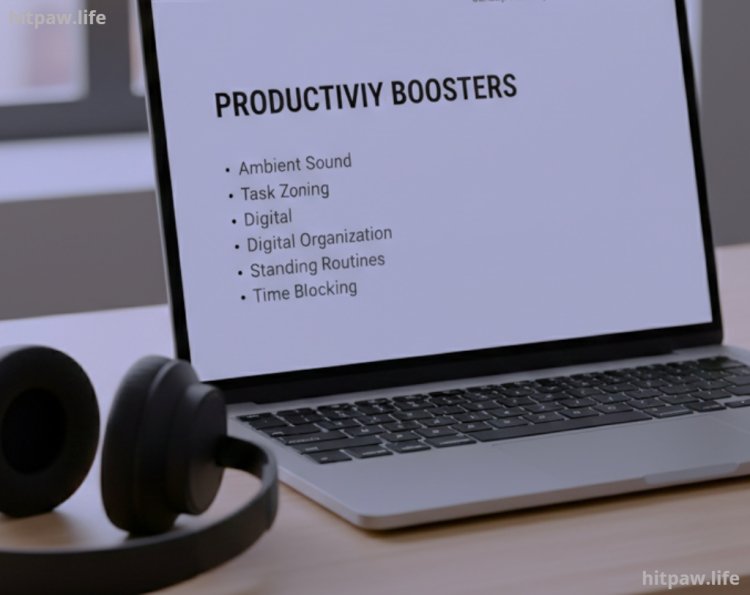
Tips for Maximum Productivity
Ambient sound: some people focus better with light background music or white noise.
Task zoning: keep certain areas of your desk for specific tasks e.g., writing, planning, or calls.
Digital organization: keep files and folders tidy to reduce digital stress.
Standing routines: alternate 20 to 30 minutes of standing every hour.
Time blocking: schedule dedicated focus periods and break times.
What I’d Tell My Past Self
Invest in Ergonomics Early: Don’t wait to get a proper chair or desk; comfort matters more than aesthetics.
Set Boundaries from Day One: Clearly separate work and personal life to avoid burnout.
Start Small, Scale Gradually: Begin with a simple setup and improve it over time instead of overcomplicating.
Organize Digitally and Physically: Keep files and desk space tidy; clutter slows you down.
Test Different Routines: Experiment with work hours, breaks, and environment to find what truly works for you.
FAQs About Setting Up a Productive Home Workspace
1. Do I really need a dedicated workspace at home?
Yes. A dedicated workspace separates work from personal life, reduces distractions, and boosts focus.
2. What is the most important ergonomic feature to consider?
A comfortable chair with lumbar support and a desk at the correct height are essential for posture and long term health.
3. How can I minimize distractions while working from home?
Use noise canceling headphones, set boundaries with family, and declutter your desk for better focus.
4. Are standing desks worth it?
Absolutely. Alternating between sitting and standing reduces fatigue and improves energy during the day.
5. How much should I personalize my workspace?
A few personal touches like a plant or photo are fine, but avoid clutter that distracts from work.
6. What lighting is ideal for a home workspace?
Natural light is best, but adjustable LED lamps with daylight settings work well if sunlight is limited.
7. How often should I reorganize or update my workspace?
Small adjustments every few weeks help maintain comfort and accommodate changing work habits.
8. Can indoor plants really improve productivity?
Yes. Plants improve air quality, reduce stress, and make your workspace feel more refreshing.
What's Your Reaction?