Prioritize Tasks as a Digital Creator
Struggling to manage content and tasks? I share real strategies, routines, and tools that helped me stay productive, focused, and avoid burnout.

Main Highlights Regarding How to Prioritize Tasks as a Digital Creator
My personal struggle with juggling multiple tasks at once
The tools and materials I used to organize my work
How I learned from mistakes and improved my workflow
Step by step task prioritization strategies
Real life examples from my content creation routine
Tips and tricks for long term productivity without burnout
Maintenance routines to keep priorities clear
FAQs for practical guidance
When I Realized I Was Overwhelmed
I still remember the first time I hit total creative overwhelm. My Notion boards were stuffed with unfinished ideas, my Google Calendar was overbooked, and I felt guilty for not finishing anything. I thought that working longer hours would help, but it only led to frustration and low quality content. That’s when I realized: I needed a real system for prioritizing tasks.
I started experimenting with task management tools, time blocking, and daily review practices. After weeks of trial and error, I discovered a method that keeps me productive, creative, and avoids burnout.
Materials I Used
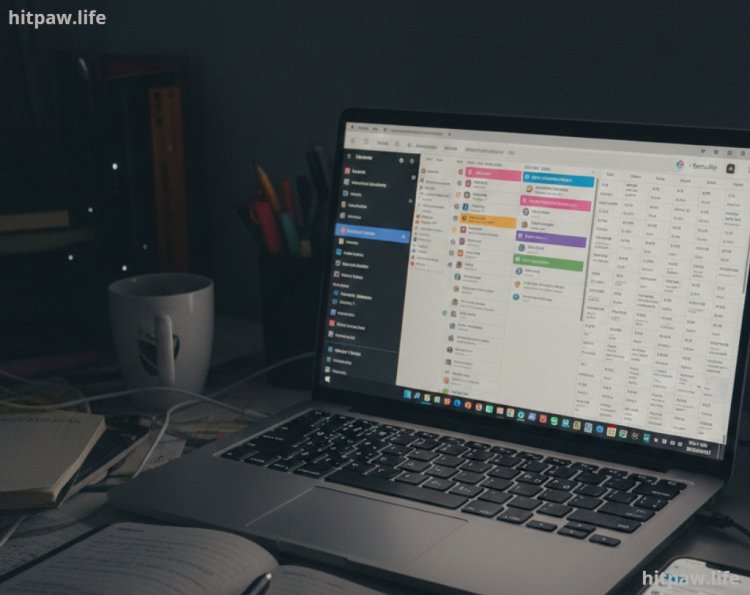
To organize my workflow, I relied on both digital and physical tools:
Notion: For task tracking, project boards, and deadlines
Google Calendar: To time block my day and schedule deep work sessions
Trello (optional): For visualizing workflow for bigger projects
Pomodoro Timer (Focus Booster or TomatoTimer): To maintain focus on high priority tasks
Notebook & Pen: Quick daily reflections and prioritization notes
Todoist (optional): For reminders of smaller or recurring tasks
These tools allowed me to see all tasks in one place and avoid mental clutter.
What I Got Wrong the First Time
At first, I tried overloading my day with too many tasks. I thought being busy meant being productive. The result? I finished nothing and felt demoralized.
How I fixed it:
I limited my top priorities to 3 tasks per day
I separated tasks into urgent vs. important
I introduced morning and evening reviews to reflect on my progress and adjust priorities
These simple fixes transformed my productivity and mental clarity.
Step by Step Guide to Prioritizing Tasks
Step 1: Brain Dump All Tasks
Every morning (or at the start of the week), I list everything I need to do:
Content creation (video, blog, social media)
Emails and collaboration tasks
Editing, proofreading, or uploading
Learning or research tasks
Getting tasks out of my head reduces anxiety and gives me a clear overview.
Step 2: Categorize Tasks by Impact
I assign High, Medium, or Low Impact labels:
High Impact: Directly affects revenue, audience growth, or content quality
Medium Impact: Important but not urgent
Low Impact: Minor or optional tasks
Step 3: Identify Urgent Tasks
I use a simple Eisenhower Matrix:
Urgent & Important > Do immediately
Important but Not Urgent > Schedule
Urgent but Not Important > Delegate
Neither > Skip or postpone
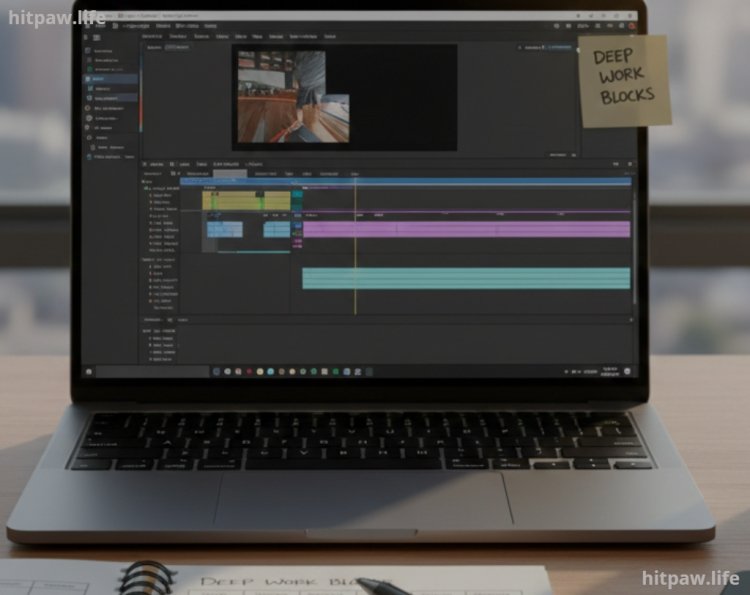
Step 4: Time Block Deep Work Sessions
I schedule 90 to 120 minutes blocks for high impact tasks. During these blocks:
Notifications are off
Phone is on silent
I focus entirely on one task
Step 5: Break Down Tasks
Large tasks like video production are split into smaller steps:
Research & outline
Script writing
Filming
Editing
Thumbnail creation
Scheduling
This prevents overwhelm and makes progress measurable.
Step 6: Daily & Weekly Review
I spend 10 minutes every evening reflecting:
What did I complete?
What tasks were deferred?
Did any low priority task become urgent?
On Sundays, I plan my week using these reflections to adjust priorities and resources.
Real Life Examples That Worked for Me
1. Morning Priority Block: I set aside 9 AM to 12 PM for my top creative tasks like scripting videos or designing graphics. During this time, I turned off notifications and focused deeply. Result: Tasks got done faster and with better quality.
2. The “3 Task Rule”: Each morning, I list my 3 most important tasks. Even on chaotic days, completing these gives a sense of progress and keeps momentum.
3. Batching Content Creation: I record all videos for the week in one session instead of daily. This freed up time for editing and marketing later.
4. Delegating Low Impact Tasks: I started using freelancers for social media scheduling and small edits. This gave me mental space to focus on high priority projects.
5. Weekly Reflection Sessions: Every Sunday, I review what worked, what didn’t, and adjust next week’s priorities. It helped me avoid repeating mistakes and stay consistent.
Mistakes I Made and Lessons Learned
1. Trying to Do Everything at Once: At first, I tried handling all tasks in a day. I ended up stressed and completed nothing efficiently. Lesson: Focus on 3 high impact tasks daily.
2. Ignoring Energy Levels: I used to force creative work late at night when I was tired. Result: low quality content and frustration. Lesson: Schedule tasks according to my peak energy hours.
3. Not Reviewing Weekly: I only planned daily without reflection. This caused repeated mistakes and overlooked priorities. Lesson: Weekly review is essential to stay on track.
4. Neglecting Small Tasks: I thought minor tasks weren’t important and let them pile up. Lesson: Batch or delegate small tasks to avoid them becoming overwhelming.
5. Overcomplicating Tools: I initially used too many apps to track tasks. Lesson: Keep it simple Notion + notebook worked best for me.
Tips for Long Term Prioritization
1. Limit Your Daily Top Priorities: I never focus on more than 3 high impact tasks per day. It keeps my energy focused and prevents overwhelm.
2. Batch Similar Tasks: Grouping tasks like content writing, editing, or social media posts reduces mental switching and saves time.
3. Schedule According to Energy Levels: I do creative work in the morning when I’m most alert, and admin or routine tasks in the afternoon.
4. Review and Reflect Weekly: Every Sunday, I evaluate what worked, what didn’t, and adjust priorities for the upcoming week.
5. Break Down Large Projects: I divide big tasks into smaller, actionable steps, making them less intimidating and easier to track.
6. Automate or Delegate Low Priority Tasks: For repetitive or minor tasks, I use automation tools or delegate them to free up mental space for high impact work.
7. Maintain a Daily Reflection Habit: I spend 5 to 10 minutes at the end of each day noting progress and pending tasks it helps me start the next day with clarity.
Wrapping It Up
Prioritizing tasks transformed my productivity as a digital creator. I now focus on what truly moves the needle, producing better content and maintaining energy.
Takeaways
Limit daily top priorities
Separate urgent vs. important tasks
Time block high impact work
Daily & weekly reviews are essential
Avoid overcommitment to prevent burnout
Prioritization isn’t a one time fix it’s a daily habit that gets easier with practice.
FAQs
1. How many tasks should I focus on daily?
I focus on 3 high priority tasks per day. This keeps my workload realistic and prevents burnout. Focusing on too many things at once only scattered my energy in the past.
2. Should I use digital tools or just a notebook?
I use a combination of both. Notion helps me track projects and deadlines, while a simple notebook is perfect for quick prioritization and reflections. This combo keeps me organized and flexible.
3. How do I handle tasks I keep procrastinating?
I break them into smaller, actionable steps. Even completing a tiny subtask gives a sense of progress and motivates me to continue.
4. Can this prioritization routine prevent burnout?
Yes. By focusing on high impact tasks and avoiding overloading myself, I maintain consistent productivity without feeling drained. Scheduled reviews also help me adjust before stress accumulates.
5. How long does it take to make this habit stick?
For me, about 3 weeks of consistent practice. At first, I had to force the routine, but after tracking results and adjusting, it became natural and highly effective.
6. Should I prioritize creative tasks over administrative tasks?
Absolutely. Creative tasks are usually high impact, like creating content that grows your audience. Administrative tasks, like emails or minor edits, can often be scheduled or delegated.
7. What if multiple tasks feel equally important?
I rank them by impact and deadlines. I also ask myself: “Which task, if completed today, will move my projects forward the most?” This simple question helps me focus on what matters now.
What's Your Reaction?