How to Start Freelancing
Learn how I started freelancing from scratch. Step by step tips, tools, and real life strategies to land clients, build a portfolio, and grow your freelance career.
Main Highlights Regarding Starting Freelancing
Understanding why freelancing is both exciting and challenging for beginners.
Tools and platforms I personally used to land my first gigs.
Step by step process to set up your freelance profile and workflow.
Real mistakes I made and how I fixed them.
Practical examples of tasks and projects that worked for me.
Tips to stay motivated and manage time efficiently.
How I Took My First Steps into Freelancing
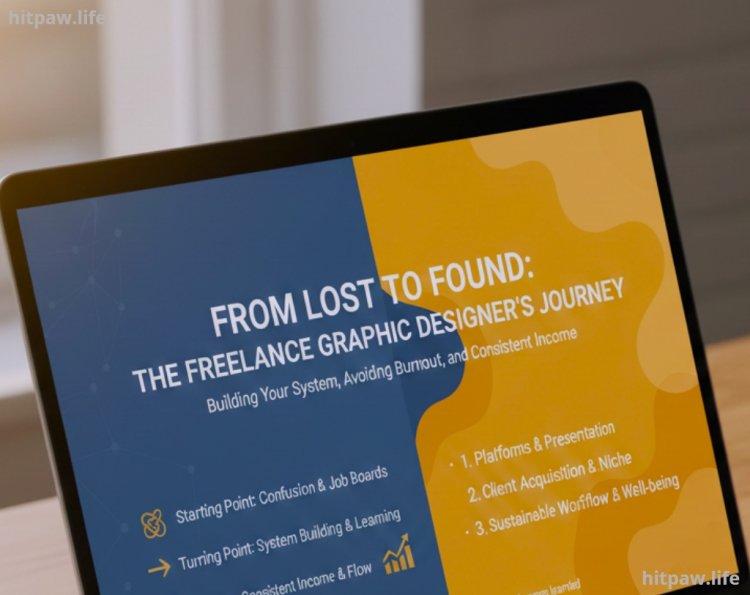
I remember feeling completely lost when I first thought about freelancing. I had a skill graphic design but no idea how to sell it or find clients. I kept scrolling through job boards and freelance platforms, feeling overwhelmed by all the competition. Every time I applied for a job, I either got ignored or lost to someone with more experience.
The turning point for me was realizing that starting freelancing isn’t about being perfect; it’s about building a system. I had to figure out which platforms worked, how to present myself, and most importantly, how to avoid burnout while starting. This guide is based entirely on my own journey the successes, failures, and lessons that helped me get my first consistent freelance income.
Materials I Used
Before you start, here are the tools and materials that made my freelancing journey manageable:
Laptop & Reliable Internet I used a 13 inch MacBook Pro because it’s light and fast for design tools.
Canva & Adobe Illustrator For graphics and design work.
Trello & Notion To organize client projects, deadlines, and ideas.
Upwork & Fiverr Accounts My first platforms for finding freelance jobs.
PayPal & Wise For receiving international payments.
Grammarly To ensure professional communication in proposals and messages.
Pro Tip: Even if you’re starting with zero clients, set up these tools first. They save time and prevent stress later.
Step by Step Guide to Start Freelancing
Step 1: Identify Your Skills and Niche
I started by making a list of my skills: logo design, social media graphics, and website mockups. Instead of offering everything, I focused on logo and branding design. Narrowing my niche helped me appear more specialized to clients.
Tip: If you’re unsure, think about the services you enjoy most and can deliver efficiently.
Step 2: Build a Freelance Profile That Stands Out
I spent hours creating my Upwork profile. My mistakes at first were:
Not adding a professional profile picture.
Using vague descriptions like "I design anything."
I fixed this by:
Using a clear, friendly photo of myself.
Writing: “I help small businesses stand out with creative logos and branding materials. I guarantee high quality, on time delivery.”
Clients responded immediately after this change.
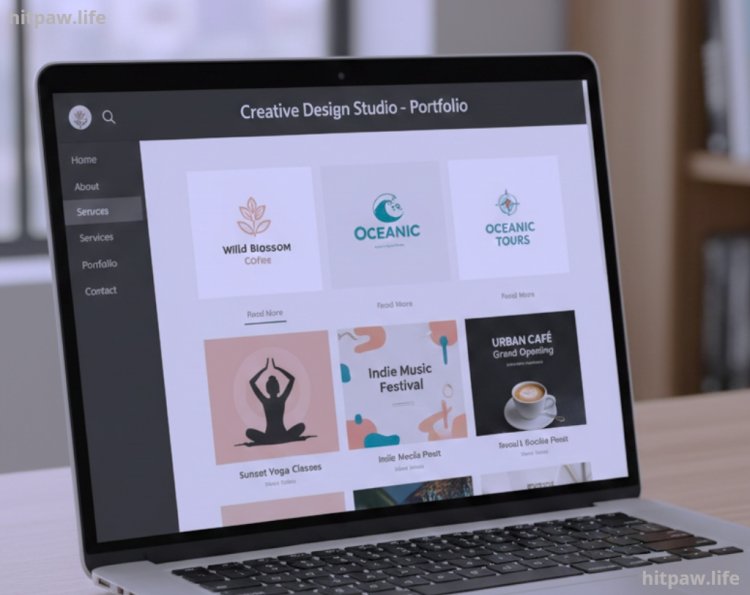
Step 3: Create a Portfolio
My first portfolio included 5 real or mock projects. I used Canva and Illustrator to create sample logos and social media posts for imaginary businesses.
Lesson Learned: Clients care more about quality and presentation than quantity. Five strong samples are enough to start.
Step 4: Start Applying for Jobs
I applied to small projects first. I wrote personalized proposals, referencing the client’s project and showing how I could solve their problem.
Example Proposal Line:
"I noticed you’re looking for a modern logo for your bakery. I recently designed a logo for a similar food business that increased their brand recognition. I can do the same for you."
Step 5: Deliver Work Professionally
When I got my first gig, I over delivered. I added 2 bonus concepts to my logo design, which made the client extremely happy.
Tip: Underpromise, overdeliver. First impressions matter.
Step 6: Manage Payments and Contracts
I learned quickly to never start work without a clear agreement. I used Upwork’s platform for contracts, which protected both me and the client.
Tip: Always request milestone payments for larger projects.
Step 7: Ask for Feedback and Reviews
After completing my first 3 projects, I asked clients for feedback. Positive reviews built my credibility and made it easier to get new clients.
Step 8: Scale Your Freelance Work
Once I had consistent work, I created templates, pricing sheets, and a schedule. I could handle more clients without burning out.
Tools I Added Later:
Slack & Google Drive For client communication and file sharing.
Airtable For tracking client projects and payments.
Real Life Examples That Worked for M
Logo Design for a Bakery: Delivered in 3 days, client loved the bonus concepts. Resulted in 2 referrals.
Social Media Templates for a Coach: Customized 10 templates in Canva, client appreciated the efficiency.
Website Mockups for a Startup: Started as a small task but led to a $500 monthly retainer.
Lesson: Small gigs often turn into long term projects if you communicate clearly and exceed expectations.
Mistakes I Made and Lessons Learned
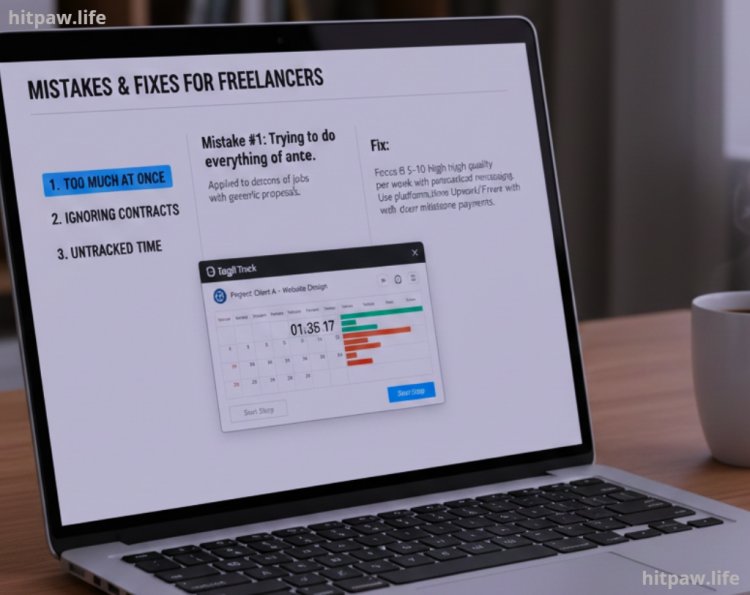
Mistake #1: Trying to do everything at once. I applied to dozens of jobs with generic proposals.
Fix: Focus on 5 to 10 high quality proposals per week with personalized messaging.
Mistake #2: Ignoring contracts. I delivered free revisions and almost got underpaid.
Fix: Use platforms like Upwork or Fiverr with clear milestone payments.
Mistake #3: Not tracking time. I worked long hours without realizing my hourly rate was low.
Fix: I started using Toggl to monitor time spent per project.
Tips for Long Term Freelance Success
Set Daily Goals: I write 3 main goals each morning client work, proposal submissions, learning.
Batch Similar Tasks: I group logo designs, social media graphics, and admin tasks separately.
Continuous Learning: I follow top freelancers on YouTube and take Skillshare courses.
Stay Organized: Trello boards for clients, deadlines, and ideas.
Network Actively: Join Facebook groups, LinkedIn communities, and comment on related forums.
Final Considerations
Starting freelancing can feel overwhelming, but the key is taking small, consistent steps. I learned that building a portfolio, understanding client expectations, and managing time effectively are more important than rushing to get your first paycheck.
Mistakes will happen, but each one teaches you something valuable. Use tools like Trello, Notion, and Fiverr/Upwork dashboards to stay organized, and always communicate clearly with clients.
Remember, freelancing is not just about work it’s about building relationships, reputation, and a sustainable workflow. Be patient, stay consistent, and focus on delivering quality work. Over time, the projects, skills, and clients will grow naturally.
FAQs
1. Do I need prior experience to start freelancing?
No, you don’t need years of experience. I started with small design skills and built my portfolio gradually. The key is to focus on what you can do well and show it in your portfolio.
2. Which platforms are best for beginners?
I recommend starting with Upwork, Fiverr, and Freelancer. These platforms provide beginner friendly tools, payment protection, and exposure to potential clients. Once you grow, you can explore niche platforms like 99designs or Toptal.
3. How much should I charge as a beginner?
Start with competitive rates to attract clients, but don’t undervalue yourself. I began at $10 to $15 per small project, then gradually increased to $50 to $100 as I gained experience and positive reviews.
4. What if I don’t have real projects for my portfolio?
Create mock projects or redesign sample work. I designed logos and social media templates for imaginary businesses to showcase my skills. Quality presentation is more important than having real client work at the start.
5. How do I manage multiple clients without getting overwhelmed?
I use Trello and Notion to track projects, deadlines, and client details. Batch similar tasks and set realistic daily goals to stay organized and avoid stress.
6. How do I handle difficult clients or revisions?
Clear communication is crucial. Always clarify expectations upfront and document them. If a client requests extra work beyond the scope, politely discuss additional fees. Using platform agreements helps protect both parties.
7. How can I get recurring clients?
Deliver excellent work consistently, ask for feedback, and offer retainer packages. I secured two recurring clients simply by maintaining high quality work and clear communication.
8. Do I need to pay taxes as a freelancer?
Yes, even beginners must track income and report taxes. I use QuickBooks Self Employed to manage earnings and expenses, which makes tax season much easier.
What's Your Reaction?