How I Discovered Remote Work
I share my journey into remote work, the challenges I faced, tools I used, and practical tips to succeed. Learn from my real experience and improve your remote working skills.

Key Points Regarding Remote Work
• Flexible schedules allow you to work from anywhere in the world.
• Remote work requires proactive communication and collaboration.
• Productivity depends on boundaries, routines, and focus.
• Technology is essential but can also be distracting if mismanaged.
• Mistakes in setup or planning are common, but learning from them is crucial.

Why I Chose Remote Work and What I’ve Experienced So Far
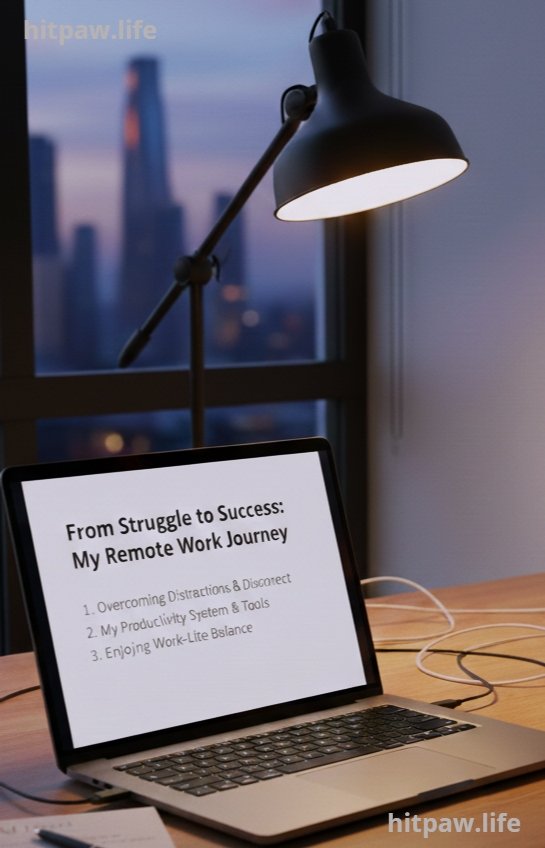
I started my remote work journey a few years ago, thinking it would be as simple as logging in from my laptop at home. I quickly realized that remote work isn’t just about skipping the commute or working in pajamas it’s a lifestyle shift that requires planning, discipline, and the right tools.
At first, I struggled with distractions, communication issues, and feeling disconnected from my team. Over time, through trial and error, I developed a system that boosted my productivity, maintained my work life balance, and made remote work actually enjoyable. In this guide, I’ll share my personal experience, real life examples, and practical advice so you can succeed in remote work too.
Tools I Used for Remote Work
Here’s my practical toolkit that I personally tested:
• Laptop: MacBook Pro 16 inch for smooth multitasking and heavy apps.
• Internet: Fiber optic connection at 100 Mbps to avoid lag in video calls.
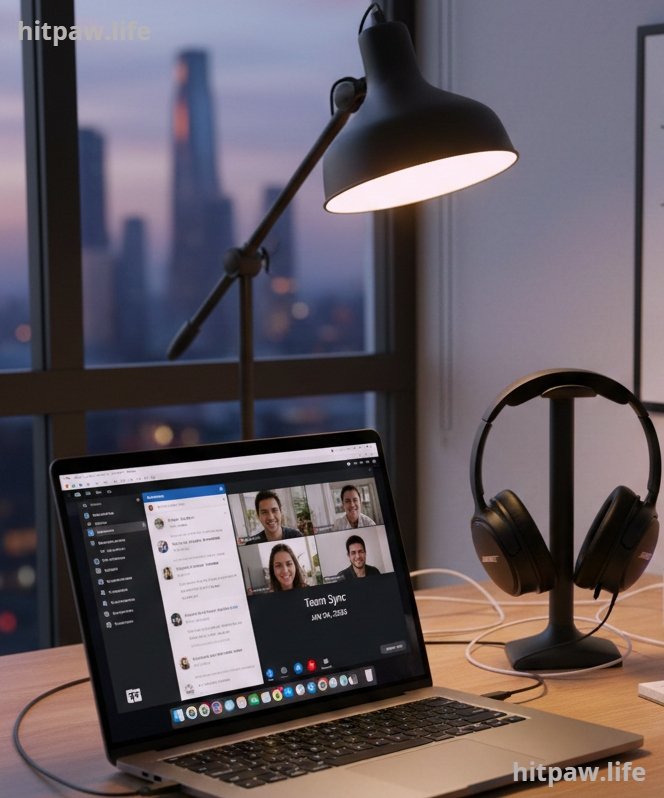
• Communication Tools: Slack for messaging, Zoom for video calls, Microsoft Teams for team collaboration.
• Task Management Tools: Trello and Asana for tracking progress and deadlines.
• Noise Canceling Headphones: Bose QC45 for uninterrupted focus.
• Ergonomic Chair: Steelcase Series 1 to support long hours at the desk.
• Digital Calendar: Google Calendar to schedule meetings, focus blocks, and personal time.
• Time Tracker: Toggl to measure productive hours and identify distractions.
Tip: Don’t buy every tool at once. Start small and invest in tools that solve real problems in your workflow.
Step by Step Guide: How Remote Work Really Works
Step 1: Set Up a Dedicated Workspace
I used to work on my couch, thinking it was comfortable. It wasn’t. My back hurt, and I couldn’t focus. I created a small corner in my home with a proper desk, chair, and good lighting. Even a small dedicated space makes a huge difference.
Tips for workspace setup:
• Place your desk near a window for natural light.
• Keep the workspace clutter free.
• Invest in a chair that supports your back.
• Use cable organizers and storage to avoid mess.
Step 2: Choose the Right Tools
Early on, I tried multiple tools for communication, task management, and video calls. I learned that using too many apps is worse than using none. Here’s my final stack:
• Slack for instant communication.
• Zoom for video calls and meetings.
• Trello to manage projects visually.
• Asana for task assignments and deadlines.
• Bose QC45 headphones for focus in noisy environments.
Tip: Test tools on a small project first before rolling them out completely. This avoids wasting money and time.
Step 3: Establish a Routine
I initially thought that remote work meant working whenever I wanted. I learned the hard way that without a schedule, productivity plummets.
My routine:
• Start work at 9:00 AM, end at 6:00 PM.
• Include a 30 minute lunch break and two 15 minute micro breaks.
• Block 2 hours for deep focus without interruptions.
Benefits:
• Predictable schedule improves focus.
• Reduces stress caused by irregular hours.
• Helps team know when you are available.

Step 4: Communicate Proactively
Remote work eliminates physical proximity, which can lead to miscommunication. I started sending daily updates and checking in with my team, even when it wasn’t required.
Examples:
• Morning messages: “Today I will focus on X, Y, Z.”
• End of day summaries: “Completed tasks A and B; tomorrow I will start C.”
• Weekly video calls for alignment and brainstorming.
Tip: Over communicate rather than under communicate it builds trust and reduces errors.
Step 5: Track Your Progress and Reflect
I kept a small productivity journal to monitor what worked and what didn’t. Over two weeks, I noticed patterns:
• Most productive hours: 9:30 to 12:30 AM.
• Least productive hours: 4:00 to 5:00 PM, requiring lighter tasks.
• Common distractions: social media, phone notifications.
By reflecting daily, I adjusted my workflow for maximum efficiency.

Step 6: Handle Challenges Efficiently
Remote work isn’t always smooth. Here are the challenges I faced and how I solved them:
• Internet outages: I had a backup hotspot ready.
• Distractions at home: I set boundaries with family and roommates.
• Isolation: I joined virtual coworking spaces and scheduled casual video chats.
• Overworking: I learned to set strict work hours and stop when the day ended.

Practical Examples
Example 1: Switching from phone to laptop improved my productivity by 30%.
Example 2: Scheduling “focus hours” reduced random interruptions by 50%.
Example 3: Daily check kept my manager informed, resulting in better project alignment.
Feedback from colleagues
• Appreciated proactive updates.
• Clear communication reduced confusion.
• Consistency in workflow improved trust and accountability.

Care Table for Remote Work Setup
|
Component |
Maintenance / Tip |
Frequency |
|
Internet |
Check speed and connectivity |
Weekly |
|
Task Management Tools |
Clean up completed tasks |
Daily |
|
Workspace |
Organize desk, declutter |
Weekly |
|
Headphones |
Clean ear cushions, update firmware |
Monthly |
|
Ergonomic Chair |
Adjust height and posture settings |
Monthly |
|
Digital Health |
Monitor screen time and breaks |
Daily |
Tips From My Experience
Working remotely isn’t just about having a laptop it’s about creating a setup and habits that keep you productive and sane. I learned early on that distractions at home can quickly derail your focus. Here’s what helped me the most:
1. Dedicated Workspace: Even a small corner of a room with a desk and good lighting makes a huge difference. It signals your brain, “Work time.”
2. Routine Matters: I set strict start and end times, just like in an office. This prevents burnout and keeps tasks on track.
3. Tools Are Your Friends: I rely heavily on task managers like Trello and communication apps like Slack to stay connected with teams.
4. Breaks Are Non Negotiable: Short breaks every 90 minutes helped me avoid fatigue and stay creative.
5. Boundaries: I learned to communicate with family or roommates about my work hours it avoids unnecessary interruptions.
By combining a dedicated space, clear routines, and the right tools, remote work becomes much more efficient and less stressful. Small adjustments make a massive difference in the long run.
Final Considerations
Remote work is more than just a trend it’s a shift in how we think about productivity, flexibility, and work life balance. From my experience, success comes from setting boundaries, using the right tools, and staying connected with your team. While challenges like isolation and distractions exist, they can be managed with planning and discipline.
Ultimately, remote work allows you to take control of your schedule, work from anywhere, and focus on outcomes rather than just hours. It’s about creating a system that fits your life and your goals, not forcing life to fit your work.

FAQs About Remote Work
Q1: What exactly is remote work?
Remote work is a way of performing job responsibilities outside a traditional office, often from home, coworking spaces, or anywhere with an internet connection. It relies heavily on digital tools for communication and collaboration.
Q2: Is remote work suitable for everyone?
Not always. It works best for people who are self disciplined, can manage their time, and have jobs that don’t require constant physical presence.
Q3: What are the main benefits of remote work?
Flexibility, no commute, better work life balance, and the ability to work from anywhere. It also often improves productivity when managed correctly.
Q4: What are the common challenges in remote work?
Feeling isolated, distractions at home, lack of clear communication, and difficulty separating work from personal life.
Q5: How can I stay productive while working remotely?
Set a dedicated workspace, create a routine, block focus time, use task management tools, and take regular breaks to avoid burnout.
Q6: How do teams communicate effectively when remote?
Through messaging apps (Slack, Teams), video calls (Zoom, Google Meet), daily or weekly check, and clear documentation of tasks and responsibilities.
Q7: How can I avoid feeling isolated?
Join virtual coworking sessions, schedule casual chats with colleagues, or occasionally work from shared coworking spaces to maintain social interaction.
Q8: Do I need special tools to work remotely?
Yes, essential tools include a reliable computer, high speed internet, communication apps, task management software, and often noise canceling headphones for focus.
What's Your Reaction?