How to Track Productivity Without Stress
Learn how I track productivity without stress. Discover tools, routines, and practical tips that keep me focused, efficient, and burnout free.

Key Points Regarding Tracking Productivity
Tracking productivity can increase clarity and reduce stress if done properly.
Using the right combination of tools (digital + analog) works best for creators.
Focusing on high impact tasks prevents overwhelm.
Weekly reflection and adjustments help avoid burnout.
Real life examples show how these strategies work practically.
My Productivity Tracking Struggle
I used to feel constantly behind as a digital creator. I had Notion boards, Excel sheets, sticky notes, and multiple apps to track my tasks, but nothing seemed to work. Every day felt like I was putting out fires instead of creating meaningful content. I realized the problem wasn’t working hard it was tracking inefficiently and overcomplicating the process.
It took months of trial and error to find a system that actually helped me measure progress, stay productive, and keep my stress levels low. I want to share this system so you can skip the painful trial and error phase and build a stress free productivity workflow.
Tools I Used
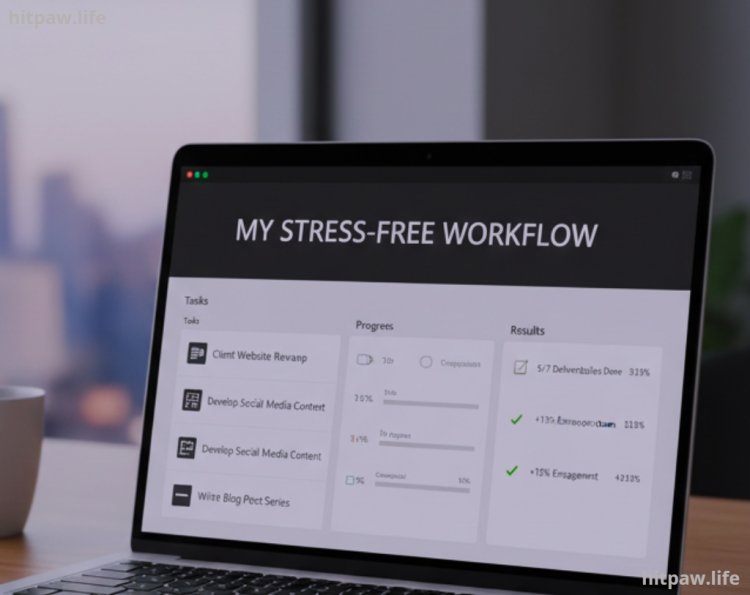
Here’s what worked for me:
Notion: For tracking all projects, tasks, and ideas in one place.
Todoist: For daily to do lists and reminders.
Toggl: For measuring time spent on tasks.
Bullet Journal: For handwritten tracking and visual progress.
Pomodoro Timer: For focused work sessions.
Habit Tracker Apps: Streaks or Loop to monitor consistency.
Google Calendar: For scheduling highpriority blocks.
Minimal Physical Supplies: Colored pens, sticky notes, and notebooks.
Step by Step Guide: Tracking Productivity Without Stress
Step 1: Identify Core Tasks
I start each day by selecting 3 to 5 high priority tasks. These are the tasks that will have the biggest impact on my work. I ignore small, low impact tasks unless I have extra time.
Pro Tip: Write your top 3 tasks in bold at the top of your bullet journal or app. Seeing them prominently reduces decision fatigue.
Step 2: Schedule According to Energy Levels
I discovered my peak creative hours are 9 AM to 12 PM. During this time, I do writing, designing, and scripting. Admin tasks like emails or social media posting happen after lunch, when my energy dips.
Pro Tip: Align your most important tasks with your most productive time of day.
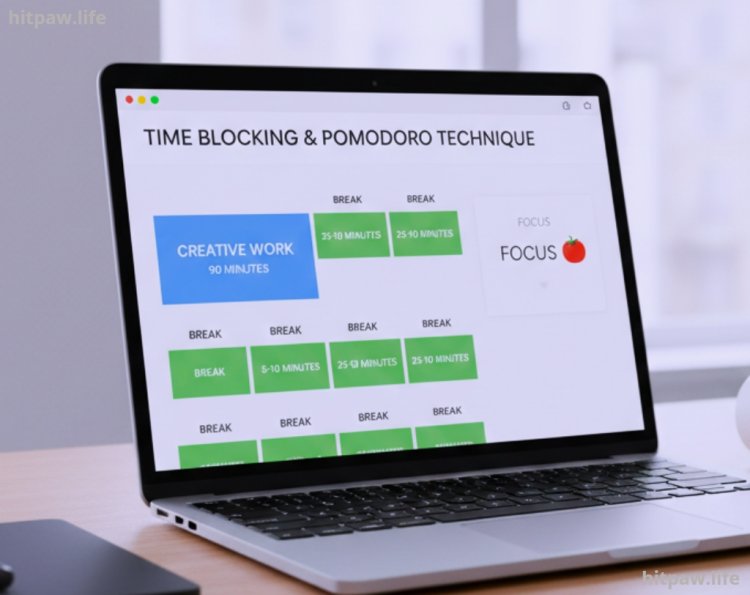
Step 3: Use Time Blocks & Pomodoro Technique
I block 90 minute sessions for creative work with 5 to 10 minute breaks every 25 minutes using Pomodoro timers. This keeps me refreshed and avoids mental fatigue.
Pro Tip: Use app blockers to avoid social media distractions during high focus blocks.
Step 4: Combine Digital and Analog Tracking
While apps are convenient, I also write key daily tasks in a bullet journal. Physically ticking off completed tasks gives a visual and emotional reward.
Digital tools track long term goals, deadlines, and progress trends.
Analog tools track daily progress and give instant satisfaction.
Example: I log all weekly video scripts in Notion but check them off in my journal each day.
Step 5: Weekly Reflection
Every Sunday, I spend 30 minutes reviewing:
Tasks completed vs. planned
Time spent on high vs. low impact tasks
Adjustments for the next week
This reflection prevents stress buildup and repeated mistakes.
Real Life Examples That Worked for Me
Batch Content Planning: Instead of creating daily content, I plan all content for the week in one session using Notion. This reduces stress and prevents last minute scrambling.
Color Coded Bullet Journal: Red = urgent, Blue = creative, Green = routine. It makes priority visual and stress free.
Time Audits with Toggl: I discovered I wasted 2 hours daily on untracked social media. Adjusting my schedule gave me more time for impactful tasks.
Micro Goals: Completing small tasks first, like responding to emails, gave early wins that motivated me for bigger tasks.
Automated Reminders: Using Todoist to remind me of recurring tasks reduced mental load and stress.
Mistakes I Made and Lessons Learned
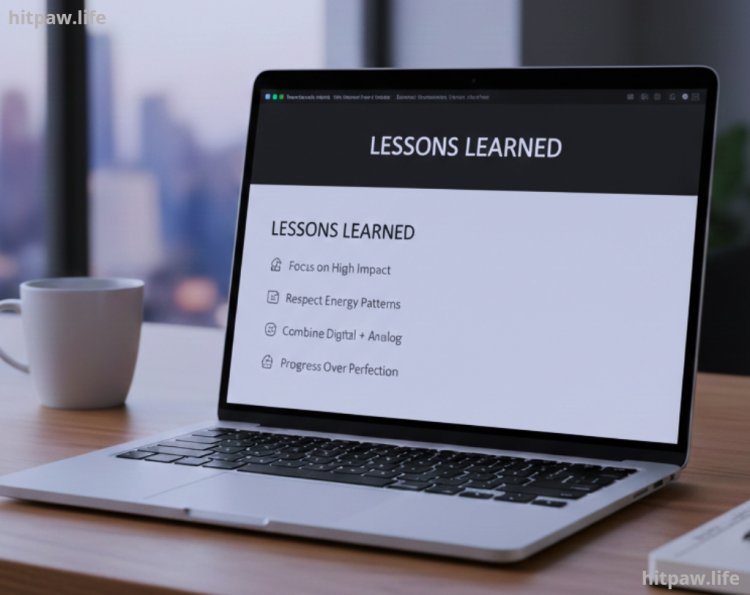
Overtracking Everything: Logging every single task or minute caused stress and decision fatigue.
Lesson: Focus on high impact tasks only.
Ignoring Energy Patterns: Tracking tasks during low energy periods led to poor performance.
Lesson: Schedule tracking and work during peak energy hours.
Relying Only on Apps: I missed tasks when switching between apps.
Lesson: Combine digital + analog tools for reliability.
Not Reviewing Data: Tracking without reflection prevented improvement.
Lesson: Weekly review is essential.
Neglecting Mental Health: I tried tracking everything perfectly and felt guilty when I didn’t.
Lesson: Productivity is about progress, not perfection.
Tips for Long Term Stress Free Productivity
1. Focus on High Impact Tasks First I always tackle the tasks that make the biggest difference to my goals. Everything else comes later.
2. Use Time Blocks I divide my day into focused work sessions and short breaks. This keeps my energy steady and prevents burnout.
3. Limit Tools I stick to 2 to 3 essential apps or tools. Too many platforms create confusion and stress.
4. Weekly Reflection Every Sunday, I review completed tasks, track trends, and adjust priorities. This keeps my workflow aligned with my goals.
5. Batch Similar Tasks I group tasks like responding to emails or editing videos together. This reduces constant context switching and saves mental energy.
6. Celebrate Small Wins I mark even small accomplishments in my journal. It motivates me to keep going without feeling pressured.
7. Set Realistic Daily Goals I never overload my schedule. Tracking too many tasks adds stress; realistic goals keep me productive and satisfied.
8. Protect Focus Time I mute notifications and set boundaries with colleagues or clients during my deep work hours. This ensures distraction free productivity.
Wrapping It Up
Tracking productivity doesn’t have to be stressful. I learned that the key is simplicity, focus, and reflection. Using a few tools that actually work for me Notion, Toggl, and a bullet journal I can see progress without feeling overwhelmed.
The biggest lesson I’ve learned is to prioritize high impact tasks and avoid overtracking every little detail. Weekly reviews help me spot patterns, fix mistakes, and stay on track without burning out.
Finally, remember that productivity is a personal journey. What works for one creator may not work for another. Experiment, track what matters, and adjust along the way. Progress, not perfection, is what truly counts.
FAQs: Tracking Productivity Without Stress
1. Do I need multiple apps to track productivity effectively?
Not at all. I personally use a combination of Notion for tasks, Toggl for time tracking, and a bullet journal for daily checklists. Using too many apps creates confusion and stress instead of clarity. Stick to what works for you.
2. How often should I review my productivity data?
I found weekly reviews work best. They allow you to see trends, identify mistakes, and adjust tasks for the upcoming week. Daily reviews are too micro focused and can feel overwhelming.
3. Can I track productivity without adding stress?
Yes. Focus only on high impact tasks the ones that matter most. Avoid overtracking small or low priority activities. Remember, productivity tracking is about progress, not perfection.
4. What if I forget to track a task or miss a deadline?
It happens to everyone. I learned not to get stressed over missed tasks. Simply adjust in your next review, prioritize, and move forward. Productivity is about momentum, not flawless execution.
5. Should I track every minute of work?
No. That approach can be exhausting and counterproductive. I track key tasks and do selective time audits to understand where my hours go without feeling micromanaged.
6. Are analog tools like journals still effective?
Absolutely. I use a bullet journal alongside digital tools. Writing tasks down gives a visual and emotional reward when completed, which apps alone can’t provide.
7. How do I manage distractions while tracking productivity?
I block social media, use Pomodoro sessions, and designate focus blocks during my peak energy hours. This keeps me on track without feeling overwhelmed by interruptions.
8. Is it necessary to track both tasks and time?
Not always. For me, tracking tasks daily and doing occasional time audits is enough. This balance provides insights without causing unnecessary stress.
What's Your Reaction?