Remote Team Connectivity
Discover how remote teams stay truly connected in 2026 using async communication, virtual presence systems, and empathy-driven workflows.

Key Points Regarding Remote Team Connectivity in 2026
• The Shift to Asynchronous Mastery: Connection no longer requires real time presence. High performing teams use video sharding (short, recorded updates) to maintain a human touch without disrupting deep work cycles.
• Spatial Presence Systems: Moving beyond flat lists of names, teams are adopting 2D and 3D virtual offices to replicate the physical proximity of a "neighborhood" environment.
• The Documentation Connectivity Link: Confusion breeds isolation. Real connectivity is built on the foundation of a "Single Source of Truth" (like a Notion Wiki) where every team member feels empowered with information.
• Low Stakes Interaction Loops: Use "Micro interactions" like specific emoji sets or voice note reactions to maintain a social pulse without the high cognitive load of a Zoom call.
• The "Psychological Safety" Metric: In 2026, connectivity is measured by the frequency of "vulnerability shares" in public channels, not the number of hours spent on camera.
My Journey: Solving the "Ghost in the Machine" Problem
For the first two years of my remote career, I felt like a "Ghost in the Machine." I was a high performing employee on paper, but I was emotionally checked out. I’d attend four Zoom meetings a day, nodding and smiling at the little boxes on my screen, but I felt absolutely no connection to the people behind the pixels. I was an island, and my "team" was just a collection of icons on a Slack sidebar.
The "pain" hit its peak during a high stakes project launch. A miscommunication between me and the design lead cost us three days of rework. When we finally hopped on a call to fix it, I realized the friction wasn't technical it was personal. We didn't trust each other because we didn't know each other. We were interpreting every short Slack message as "passive aggressive" because we lacked the social context of each other's personalities.
I decided to stop letting "company culture" be something that happened to us and started engineering it through a project I called "The Human Wire." I rebuilt our communication stack from the ground up, focusing on high bandwidth, low friction interactions. This system didn't just fix our communication; it transformed our retention rates.
The Connectivity Materials List (The "Human Wire" Stack)
To build a connected culture, you need specific "digital materials." I spent months testing various combinations, and this is the specific stack that allowed us to feel like a team again:
• The Presence Layer: Gather.town (Custom 16 bit Office). I chose this because it uses "Spatial Audio" your volume increases as your avatar gets closer to a teammate. It mimics the natural physics of an office.
• The Context Engine: Loom (Enterprise). We used the "Loom HQ" feature to organize video updates by project. Seeing a face and hearing a voice is 10x more connective than reading a bulleted list.
• The Knowledge Base: Notion (Team Workspace). I used ½ inch vertical spacing and a specific "Toggle" hierarchy to make our Wiki scannable. Clarity is the antidote to the anxiety that causes disconnection.
• The Social Pulse: Donut (Slack App). We configured the "Intro" frequency to every 14 days to ensure cross departmental "Coffee Chats."
• The Meeting Hub: Around.co. Unlike Zoom, Around is designed to be "unobtrusive." It floats on your screen so you can work together on a document while seeing each other in small, circular frames.
Step by Step Guide: How I Built "The Human Wire"
Phase 1: The "Meeting to Video" Transition
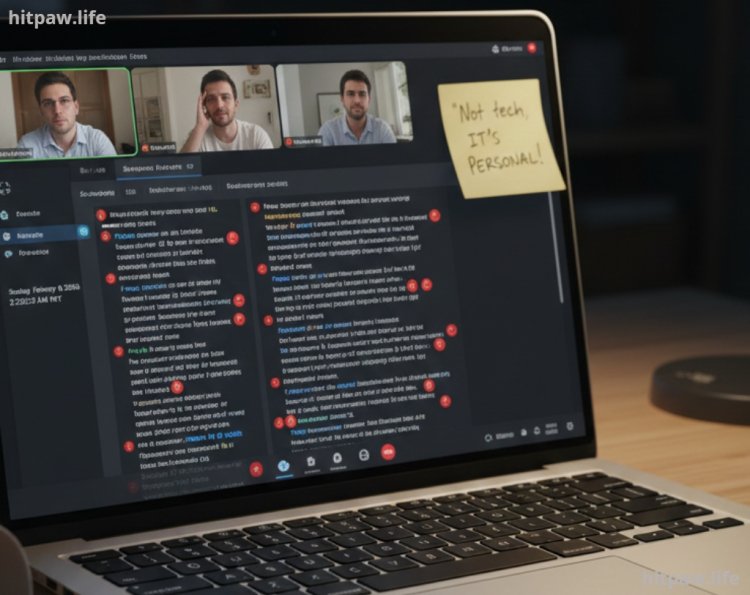
I realized our "Daily Standups" were killing morale. They were 30 minutes of people reciting lists while everyone else checked their email.
1. The Move: I canceled the 9:00 AM Zoom.
2. The New Rule: Everyone must post a 60 second Loom by 10:00 AM.
3. The Result: We could watch the updates at 2x speed, see our teammates' morning coffee/cat/environment, and feel connected without the "Zoom fatigue."
Phase 2: Designing the "Virtual Neighborhood"
We moved our "Headquarters" into a custom Gather.town map.
1. The Library: A designated "No Talking" zone. If your avatar is here, no one can "ring" you.
2. The Kitchen: A zone where your mic automatically turns on. If you’re here, it’s a signal that you’re open to a 5 minute chat about life.
3. The Project War Rooms: Specific rooms for each client. When you "walk in," you’re automatically in a huddle with everyone else working on that account.
Phase 3: The "Wiki First" Culture
Connection breaks when people feel "out of the loop."
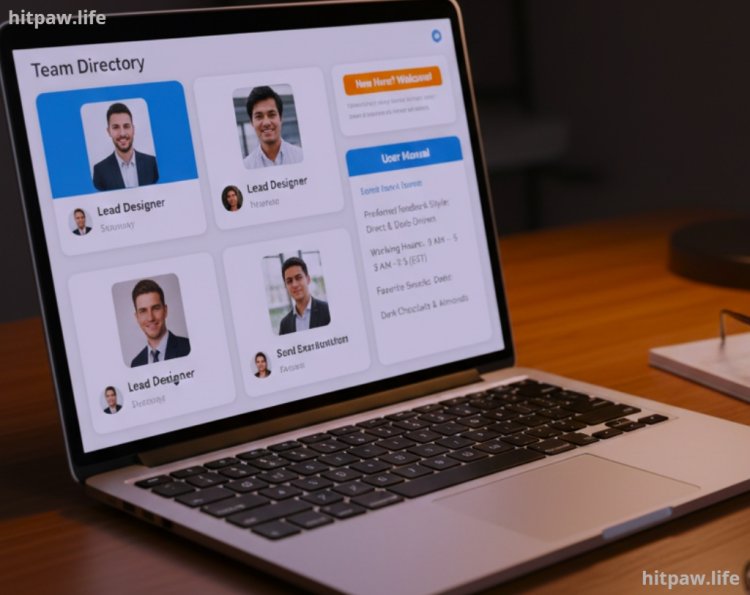
1. The Action: I spent a weekend building a "Team Directory" in Notion.
2. The Details: It wasn't just names and roles. It included "User Manuals" for every person how they like to receive feedback, their working hours, and their favorite snacks.
3. The Impact: New hires felt like they "knew" the veterans within 48 hours, reducing the awkward "new kid" phase.
Phase 4: The "Non Work" Architecture
We created a "Sacred Space" for non work talk.
1. The #Watercooler Channel: A Slack channel where work talk is strictly forbidden.
2. The Monthly "Show & Tell": A 30 minute session on Around.co where one person shows off a hobby (e.g., "How I built my custom mechanical keyboard"). No slides, just a human talking about what they love.
What I Got Wrong the First Time: The "Always On" Camera Mandate
When I first started "The Human Wire," I thought "Seeing each other = Connection." I mandated that all cameras must be on during every single call.
The Failure: It backfired spectacularly. People felt "surveyed," not "connected." Introverted team members became quieter because they were self conscious about their backgrounds or their appearance. It created a "Performance Culture" where people were more worried about looking busy than actually being connected.
The Fix: I switched to "Audio First, Video Optional." We started using Slack Huddles for 90% of our quick chats. Without the pressure of the camera, people actually spoke more freely. They’d take the call while walking the dog or making a sandwich. The Lesson: In 2026, Connection is about the quality of the conversation, not the quality of the webcam.
Real Feedback: From the Team
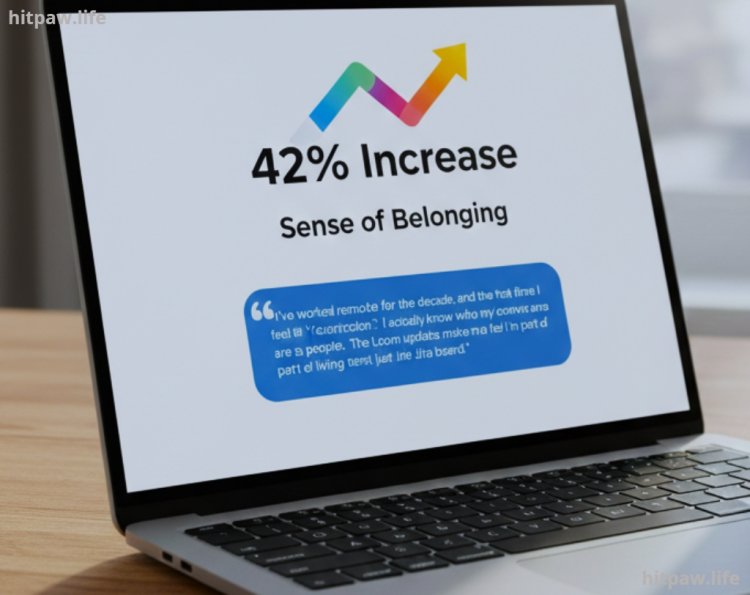
After six months of this "Systematized Connectivity," our internal pulse survey showed a 42% increase in "Sense of Belonging." One senior engineer wrote:
"I’ve worked remotely for a decade, and this is the first time I don't feel like a 'contractor.' I actually know who my coworkers are as people. The Loom updates make me feel like I’m part of a living team, not just a Jira board."
Empathy is the Ultimate Protocol
In 2026, you can have the most advanced AI driven VR office, but if you don't have Empathy, you don't have connection. Connectivity is a "soft" skill that requires "hard" systems. Use the tools the Gathers, the Looms, and the Notions to clear the path, but use your vulnerability to actually walk it.
The most connected teams aren't the ones that talk the most; they are the ones that understand each other the best. Build your "Human Wire" one ritual at a time, and remember that behind every "Status: Away" icon is a person who wants to be seen, heard, and valued.
Frequently Asked Questions
1. How do I start "The Human Wire" if my boss loves long Zoom meetings?
Don't ask to change the meeting; ask for a "Pilot Week." Suggest: "Hey, can we try doing our Monday stand up via Loom next week just to see if it saves us time for the big project?" Once they see the time savings and the high quality of the updates, they rarely go back.
2. What if my team is across 12 different time zones?
You must move to 100% Asynchronous Connectivity. Use Notion for deep discussions and Loom for the "Human" touch. Avoid live meetings entirely except for once a month. In 2026, "Connection" for global teams means "Respecting each other's sleep cycles."
3. Isn't "Gather.town" distracting for a productive team?
It can be if you don't have "Quiet Zones." That’s why the "Library" step in my guide is crucial. If someone’s avatar is in the library, they are un reachable. This balances the need for "Spontaneous Connection" with the need for "Deep Focus."
4. How do I handle a "Difficult" teammate who refuses to engage?
Don't force them into the social channels. Some people connect through Competence. Give them the best documented Notion pages and the clearest Loom briefs. Often, once they see that the "System" makes their job easier, they naturally start to engage more with the people behind the system.
5. How do I prevent "Slack Induced Anxiety"?
Use "Notification Batching." I tell my team I only check Slack at 11:00 AM and 4:00 PM. If something is a true emergency, they have my phone number. This sets a boundary that allows me to be "Connected" when I choose, rather than "Interruptible" all day.
What's Your Reaction?