How Digital Creators Work From Anywhere
Discover how I organize my daily workflow as a digital creator working from anywhere. Learn practical routines, tools, and habits to boost creativity, efficiency, and focus while enjoying the freedom of remote work.
Key Points Regarding How Digital Creators Work From Anywhere
Understand the flexibility and challenges of working remotely as a digital creator.
Tools, apps, and strategies that make mobile productivity realistic.
Practical routines and workspace setups for on the go creativity.
Lessons from my own remote projects and what I got wrong at first.
Pro tips for maintaining focus, consistency, and creativity.
How I Organize My Day as a Digital Creator Working From Anywhere
Working as a digital creator from anywhere is something many people dream about, but I quickly realized it’s not as simple as it sounds. At first, I struggled with distractions at home, irregular schedules, and the constant pressure of deadlines. Some days I felt incredibly productive, and other days it seemed like I was spinning my wheels without making real progress.
Through trial and error, I discovered that the key isn’t just having the freedom to work from anywhere it’s about creating a structured routine, organizing my tasks, and using the right tools to boost both efficiency and creativity. I experimented with different apps, time blocking methods, and productivity hacks, learning what actually works versus what only looks good on paper.
In this guide, I’ll walk you through my personal daily workflow, practical habits, and tools that helped me transform from a distracted, scattered worker into a focused, creative digital creator. These aren’t theoretical tips; they’re strategies I’ve tested, adjusted, and refined over months of remote work. By following them, you can enjoy the freedom of working from anywhere without sacrificing productivity, creativity, or work life balance.
Why Remote Work Was Tough Initially
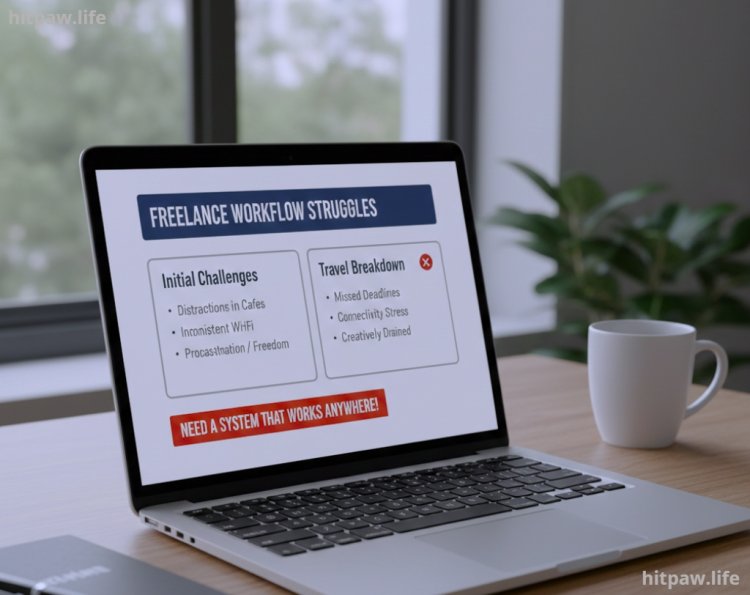
I used to face constant distractions when I left my home office. Cafes were noisy, Wi Fi was inconsistent, and sometimes the sheer freedom of a mobile schedule made me procrastinate. I realized I needed a system that works anywhere.
The turning point came when I traveled for two weeks and tried to manage all my content projects on my laptop. Without proper tools and a clear workflow, I missed deadlines, stressed over connectivity, and felt creatively drained.
Tools I Rely On
To work from anywhere, having the right digital and physical tools makes all the difference. Here’s what I use daily:
Digital Tools
Laptop: I prefer a lightweight 14 inch Ultrabook (like Dell XPS 14 or MacBook Air M2) for portability.
Tablet & Stylus: iPad + Apple Pencil for sketching, note taking, and quick edits.
Cloud Storage: Google Drive and Dropbox for easy access to all files.
Task Management: Trello and Notion for project tracking.
Communication: Slack, Zoom, and WhatsApp for team coordination.
Content Tools: Canva for graphics, Premiere Pro for video editing, and Grammarly for writing.
Physical Essentials
Noise cancelling headphones (Bose QC45 or Sony WH-1000XM5)
Portable charger/power bank
Compact mouse and mini keyboard for productivity
Travel friendly laptop stand
Notebook & pen for quick brainstorming
Step by Step Guide: How I Stay Productive Anywhere
Step 1: Define Your “Anywhere” Workspace
Before starting, I scout my location:
Coffee shop: I pick one with stable Wi Fi and plugs.
Hotel: Quiet corner with natural light, preferably near an outlet.
Public park: Battery fully charged, offline tasks ready.
Even on the go, I always have a dedicated working mindset, not just a laptop in hand.
Step 2: Prioritize Daily Tasks
I make a daily checklist every morning:
Morning content creation (videos, posts, writing).
Respond to client emails/messages.
Edit previous work or plan upcoming content.
Schedule social media.
Using Trello or Notion, I break tasks into 30 to 60 minute blocks to avoid overwhelm.
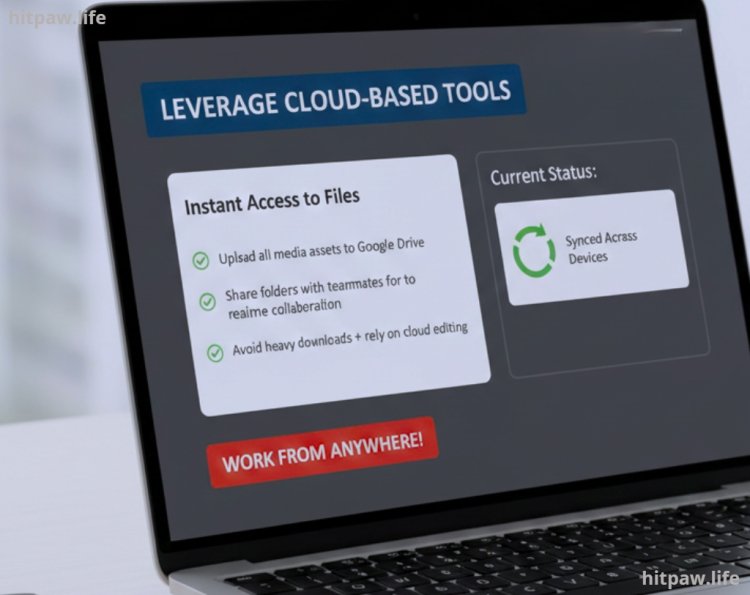
Step 3: Leverage Cloud Based Tools
Working remotely requires instant access to files:
I upload all media assets to Google Drive before leaving my home workspace.
For real time collaboration, I share folders with teammates.
I avoid heavy downloads and rely on cloud editing wherever possible.
Step 4: Maintain Creativity On the Go
Creativity can dip without structure. I use:
Pomodoro sessions: 25 minutes focused work, 5 minute break.
Idea capture: I jot inspiration in Notion or my notebook immediately.
Creative mini tasks: Sketching, micro videos, or quick social posts keep my mind active.
Step 5: Manage Distractions
Remote work often comes with temptations:
Noise cancelling headphones for focus.
Airplane mode on my phone when deep editing.
Public Wi-Fi caution: VPN to secure work, avoiding security threats.
Step 6: Optimize Workflows
I set templates for repeated tasks:
Social media content templates in Canva.
Video editing presets in Premiere Pro.
Email response drafts saved for frequent client inquiries.
This reduces repetitive effort and ensures consistency, even while moving locations.
What I Got Wrong the First Time
Initially, I tried working anywhere without planning. I assumed a laptop alone was enough. Mistakes I made:
Poor Wi-Fi planning led to missed deadlines.
Lack of a daily schedule caused burnout.
Forgetting chargers and cables slowed work progress.
Fix: I now always plan my day, prep files, and check connectivity in advance.
Tips From My Experience
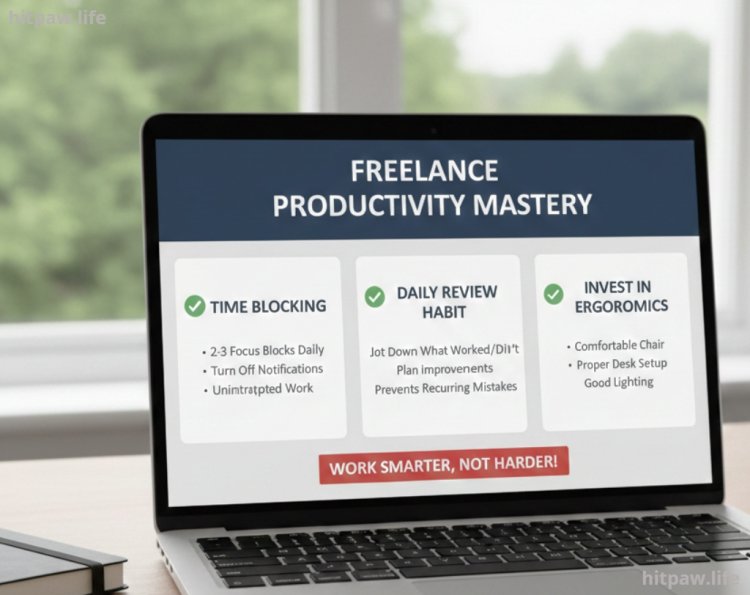
One thing that truly changed my productivity was blocking specific time slots for focused work. I used to multitask constantly, jumping between tasks, which left me feeling drained and unaccomplished. Now, I set 2 to 3 solid focus blocks daily, turn off notifications, and work without interruptions.
Another tip: review your day at the end of each session. I jot down what worked, what didn’t, and plan improvements for tomorrow. This small habit keeps me on track and prevents recurring mistakes.
Lastly, invest in ergonomics. A comfortable chair, proper desk setup, and good lighting may seem minor, but they reduce fatigue and boost creativity over long work hours.
Maintenance Table: My Daily Remote Work Routine
|
Time |
Task |
Tool/Tip |
|
7:30 to 8:00 AM |
Morning brainstorming |
Notebook / Notion |
|
8:00 to 10:00 AM |
Content creation |
Laptop / Premiere Pro |
|
10:00 to 10:15 AM |
Break |
Quick walk / Coffee |
|
10:15 to 12:00 PM |
Editing & revisions |
Laptop / Tablet |
|
12:00 to 1:00 PM |
Lunch / Rest |
Offline time |
|
1:00 to 3:00 PM |
Client communication |
Slack / Email |
|
3:00 to 5:00 PM |
Social media scheduling |
Canva / Buffer |
|
5:00 to 6:00 PM |
Wrap up & review |
Notion / Daily checklist |
Conclusion
If I could go back, I’d tell myself to trust my workflow, embrace flexibility, and prioritize consistency over perfection. I used to worry about making every piece of content perfect before publishing, which slowed me down and caused unnecessary stress.
Now, I focus on small, consistent actions every day. Even 30 to 60 minutes of dedicated work adds up fast. I’d also remind myself to invest in the right tools early on, because having reliable software and hardware saves more time and frustration than trying to cut corners.
Most importantly, I’d say: don’t compare your journey to others’. Everyone’s workflow and pace are different. Focus on improving your own habits, celebrate small wins, and learn from mistakes without overthinking them.
FAQs About Working From Anywhere as a Digital Creator
1. What equipment do I really need to work remotely?
At minimum, a reliable laptop, noise cancelling headphones, a stable internet connection, and cloud storage for file access. Extras like a tablet, stylus, or portable charger make life easier.
2. How do I stay productive in different locations?
Set a clear daily routine, use productivity tools like Notion or Trello, and pick quiet, well lit spots for focused work.
3. How can I manage distractions when working from cafes or public spaces?
Noise cancelling headphones, offline tasks, and a pre planned schedule help minimize interruptions.
4. What are the best tools for collaboration on the go?
Slack, Zoom, Google Drive, and cloud based editing tools allow seamless teamwork from anywhere.
5. How do I ensure my work stays secure while traveling?
Use VPNs, secure cloud storage, and strong passwords. Avoid sensitive work on public Wi-Fi without protection.
6. How do I maintain creativity while switching locations?
Keep a notebook or digital note app handy, take micro breaks for inspiration, and follow a consistent content creation routine.
7. How do I handle Wi-Fi or connectivity issues while remote working?
Always have offline tasks ready, carry a portable hotspot, and plan for alternative work locations.
8. Can I really meet deadlines while working from anywhere?
Yes if you schedule tasks, track projects using tools like Notion/Trello, and stick to time blocks for focused work.
What's Your Reaction?