How to Create a Daily Remote Work Routine
Learn how I built an effective daily remote work routine. Discover practical tips, step by step strategies, and real life lessons to boost productivity while working from home.
How I Built a Daily Remote Work Routine That Actually Works
I used to struggle with remote work. Every day felt chaotic my schedule was all over the place, deadlines slipped, and I constantly felt “busy” but accomplished nothing. I knew remote work had potential: flexibility, no commute, and more personal time but without a structured routine, it was a disaster. That’s when I decided to treat remote work like a real project. I created a daily routine that balances productivity, mental focus, and energy management. In this blog, I’ll share my step by step process, real life examples, and lessons I learned so you can do the same.
Why a Daily Remote Work Routine Matters
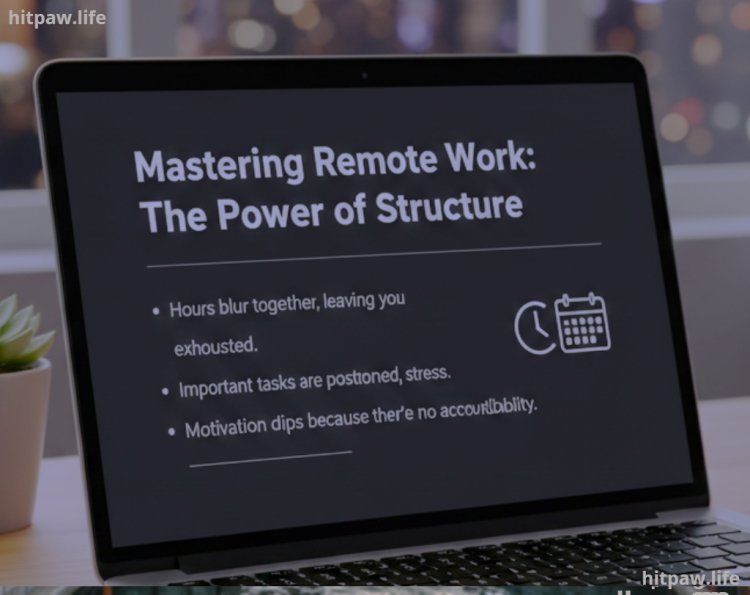
Working from home sounds easy, but the lack of structure can be overwhelming. Without a clear plan:
Hours blur together, leaving you exhausted.
Important tasks are postponed, creating stress.
Motivation dips because there’s no accountability.
I learned that creating a structured daily routine is the difference between remote work feeling chaotic and feeling rewarding. By implementing small, consistent habits, I regained control over my schedule and significantly improved my productivity and mental well being.
Tools I Used
Here’s what helped me build my routine:
Google Calendar: For time blocking tasks and meetings.
Trello: To track daily, weekly, and monthly tasks visually.
Pomodoro Timer (Focus Keeper App): For focused work bursts.
Noise Canceling Headphones (Sony WH 1000XM4): To minimize distractions.
Standing Desk & Ergonomic Chair: Comfortable workspace that reduces fatigue.
Notion: To journal daily reflections and track progress.
Blue Light Filter Glasses: To reduce eye strain during long hours.
These tools were essential. You can substitute based on your preferences, but having at least one task management tool, one focus aid, and a comfortable workspace is crucial.
Step by Step Guide to Creating Your Daily Remote Work Routine
Step 1: Identify Your Peak Productivity Hours
Everyone has certain times when they are most alert and focused. For me, it’s 9 AM to 12 PM. I experimented by tracking my energy levels for a week:
Morning (7 to 9 AM): Checking emails and light planning.
Peak focus (9 to 12 PM): Deep work tasks like content creation or coding.
Post lunch slump (1 to 3 PM): Calls, admin work, or learning.
Late afternoon (3 to 5 PM): Creative brainstorming and small tasks.
Pro Tip: Use a simple spreadsheet to note your energy levels hourly. After a week, patterns emerge, guiding where to schedule high focus tasks.
Step 2: Create a Morning Ritual
Remote work blurs personal and professional life. I learned that starting the day intentionally makes a huge difference. My morning ritual includes:
Wake up at a consistent time (7:30 AM).
Hydrate immediately helps alertness.
15 minute mindfulness or meditation session.
Quick physical activity stretching or 10 minute walk.
Review the day’s tasks in Trello.
This 30 to 45 minute ritual sets the tone for my entire day.
Step 3: Time Block Your Tasks
I now schedule tasks in 2 to 3 hour blocks based on priority. Here’s a sample:
|
Time |
Task Type |
|
7:30 to 8:15 AM |
Morning Ritual |
|
8:15 to 9:00 AM |
Emails & Admin |
|
9:00 to 12:00 PM |
Deep Work (High Focus) |
|
12:00 to 12:30 PM |
Lunch Break |
|
12:30 to 1:30 PM |
Learning/Skill Development |
|
1:30 to 3:00 PM |
Meetings & Collaboration |
|
3:00 to 5:00 PM |
Creative Tasks & Wrap Up |
|
5:00 to 5:15 PM |
Daily Reflection |
Time blocking made me notice how much time I actually spend on tasks and drastically reduced wasted hours.
Step 4: Use the Pomodoro Technique
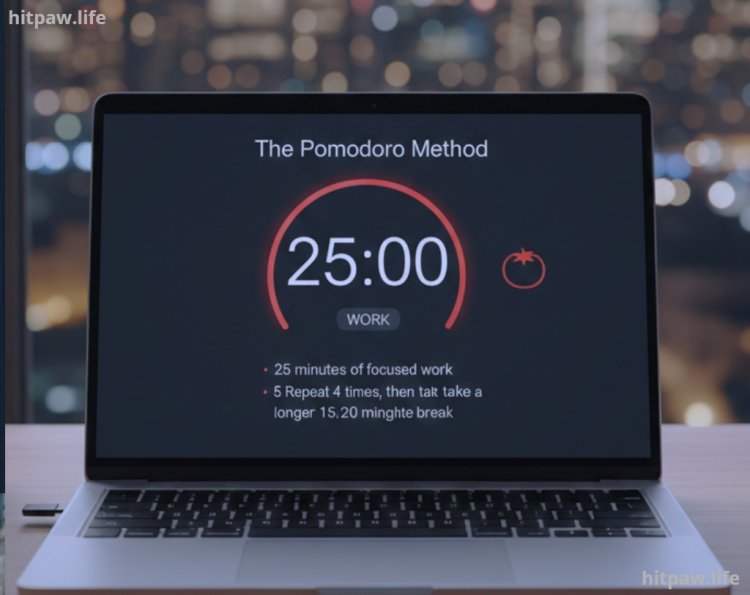
Working for long hours at home often leads to burnout. I use the Pomodoro method:
25 minutes of focused work.
5 minutes break.
Repeat 4 times, then take a longer 15 to 20 minute break.
This simple approach improved my focus and prevented decision fatigue.
Step 5: Limit Distractions
Distractions are remote work’s biggest enemy. I implemented:
Turning off non essential notifications.
Using noise canceling headphones during deep work.
Setting “Do Not Disturb” on Slack or Teams.
It took practice, but protecting your focus is critical.
Step 6: Plan Breaks and Energy Recovery
I schedule two key breaks:
Lunch Break (12:00 to 12:30 PM): Step away from the desk entirely.
Mid Afternoon Break (3:00 to 3:15 PM): Stretch, hydrate, short walk.
Breaks are non negotiable they prevent fatigue and improve long term productivity.
Step 7: Evening Reflection & Review
At the end of the day, I spend 15 minutes reflecting:
Did I complete my top 3 priorities?
What distracted me today?
How can I improve tomorrow?
This helps adjust the routine and ensures continuous improvement.
Step 8: Week Planning
Sunday evenings, I plan the upcoming week:
Prioritize key tasks.
Schedule deep work blocks.
Include personal time for exercise, hobbies, and rest.
Having a weekly overview reduces decision fatigue and provides clarity for the week ahead.
Practical Examples From My Experience
Deadlines met consistently: After implementing time blocks, I noticed all my deliverables were on time for 3 consecutive months.
More creative output: Scheduling deep work during my peak hours boosted quality.
Better mental health: Structured breaks and mindfulness reduced stress levels noticeably.
Personal time retained: My evenings are free, which wasn’t possible before a structured routine.
What I Got Wrong the First Time
Overloading the schedule: Initially, I blocked every hour; it was unrealistic. Now I leave gaps for flexibility.
Ignoring breaks: I thought continuous work would increase productivity, but I burned out within a week.
Skipping reflection: Without reflecting, mistakes repeated. Daily reflection fixed this.
Learning from mistakes is part of creating a realistic routine.
Tips From My Experience
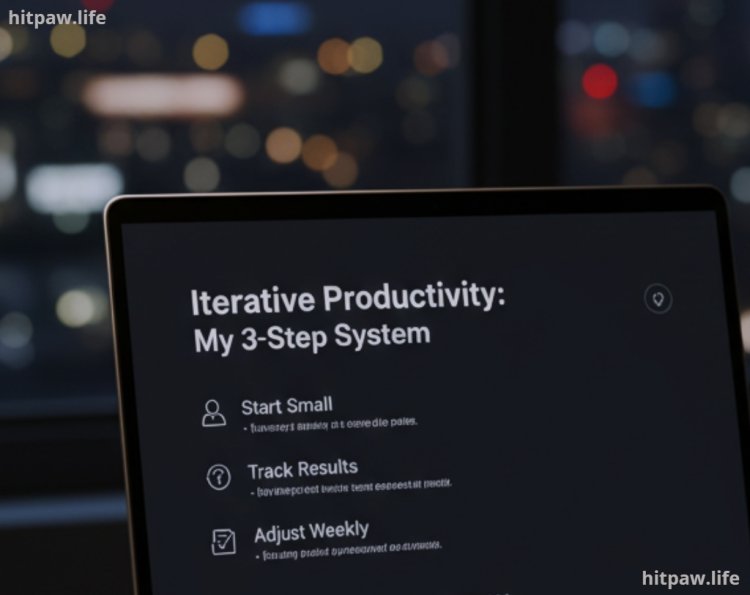
Start small: Don’t try to overhaul your day immediately. Implement one or two changes at a time.
Track results: Use Notion or a simple journal to see progress.
Adjust weekly: Your routine should evolve as your work or energy patterns change.
Conclusion
Creating a daily remote work routine transformed my work from home experience. It’s not about rigid schedules it’s about structure, energy management, and intentionality. With consistent time blocking, reflection, and breaks, I achieved higher productivity, better focus, and improved mental well being.
Remote work can feel chaotic, but with a realistic, adaptable routine, it becomes efficient, enjoyable, and sustainable. Start small, track progress, and adjust along the way you’ll notice results faster than you expect.
FAQs About Creating a Daily Remote Work Routine
1. How do I start building a remote work routine?
Begin by tracking your daily activities and energy levels for a week. Identify your most productive hours, then gradually block time for deep work, breaks, and personal tasks. Start small and expand over time.
2. How long should my work blocks be?
I found 2 to 3 hour blocks work best for deep focus, with short breaks in between using the Pomodoro technique. Adjust according to your attention span and task type.
3. What if I get distracted at home?
Minimize distractions by setting boundaries, turning off unnecessary notifications, and using noise canceling headphones. Communicate your schedule to family or roommates.
4. Can I include personal tasks in my routine?
Yes, but clearly separate personal and work tasks. For example, schedule exercise or chores in their own time blocks to prevent them from interrupting focused work.
5. How do I stay consistent long term?
Consistency comes from habit, not perfection. Track progress, reflect daily, and adjust weekly. Celebrate small wins to maintain motivation.
6. Is a strict routine necessary every day?
No flexibility is key. Keep core blocks for deep work consistent but allow adjustments for meetings, urgent tasks, or personal needs.
7. How do I avoid burnout?
Schedule regular breaks, include physical activity, and maintain a clear boundary between work and personal life. Don’t skip rest for extra “productivity.”
8. What tools help maintain a daily routine?
I use Google Calendar, Trello, and Notion to plan and track tasks, and a Pomodoro timer to stay focused. Ergonomic workspace tools like a standing desk and quality chair also make a big difference.
What's Your Reaction?