Avoid Burnout While Creating Content
Feeling exhausted from constant content creation? I share my real strategies, tools, and routines that helped me stay energized and avoid burnout.

Key Points Regarding Avoiding Burnout
Understanding why burnout happens for content creators
Real life examples of burnout I experienced
Tools and routines I used to stay productive and energized
Step by step workflow to prevent creative exhaustion
Lessons I learned from mistakes and failed attempts
Pro tips, maintenance tables, and routines for long term content creation success
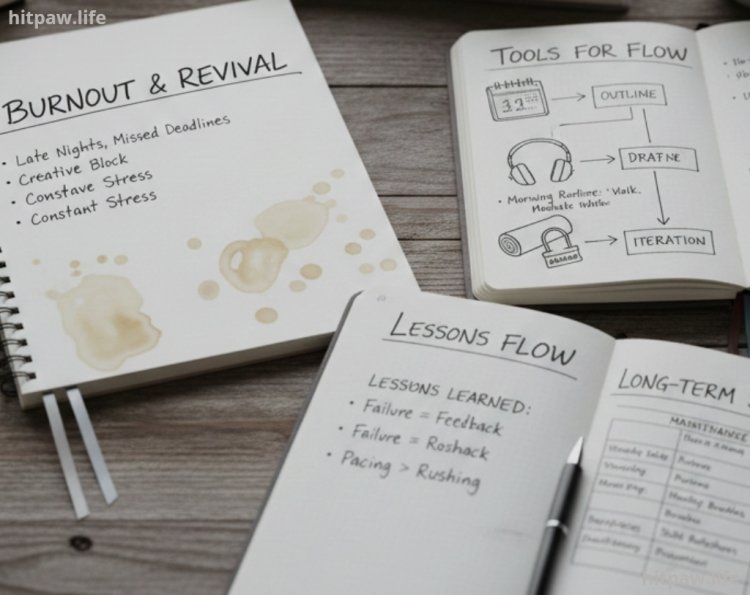
When I Realized I Was Burning Out
I remember the moment I realized I was burned out. I had back to back deadlines, dozens of blog posts to write, YouTube scripts to plan, social media content to schedule, and client requests piling up. My motivation had completely drained.
Even when I tried to push through, I was sluggish, uninspired, and constantly anxious. My content quality started slipping, and I began questioning whether I could continue creating.
That was the turning point. I realized avoiding burnout is not about working harder it’s about building sustainable routines, protecting your energy, and prioritizing tasks. This guide is based on the systems I implemented and the lessons I learned over several months.
Why Burnout Happens for Content Creators
As content creators, we face unique pressures:
Constant Creative Output: Every day feels like a race to produce something new.
Low External Accountability: Without structured work hours, it’s easy to overcommit or procrastinate.
Distractions Everywhere: Social media, notifications, emails, and collaboration tools break focus.
High Emotional Investment: Creating content often means putting a piece of yourself out there, which can be mentally draining.
I learned that burnout isn’t a sign of weakness it’s a signal that your system needs adjusting, not that you’re failing.
Tools I Use to Prevent Burnout
Here are the tools I used to regain control of my energy and workflow:
Digital Tools
Notion For content planning, task management, and project tracking
Google Calendar Time blocking and scheduling deep work sessions
Clockify Tracking actual time spent on tasks to avoid overwork
Focus To Do Pomodoro timer for sustained focus
Canva Simplifies content design without taking too long
Physical Tools
Standing Desk Keeps energy levels up during long work sessions
Noise Canceling Headphones (Sony WH-1000XM4) Blocks distractions
Notebook & Pen Quick idea capture and mind dumps
Whiteboard Visual overview of projects and deadlines
Comfortable Chair Prevents fatigue during long sessions
What I Got Wrong the First Time
Mistake #1: Ignoring My Energy Levels
I used to push through exhaustion thinking sheer willpower would suffice. This led to creative blocks, anxiety, and mistakes.
Fix: I started tracking my energy throughout the day and scheduling deep work only when my focus was high.
Mistake #2: Skipping Breaks
I thought breaks were wasted time. Result: burnout and lower productivity.
Fix: I implemented Pomodoro sessions with 5 to 10 minute breaks and longer breaks after 90 minutes. It dramatically increased my focus and energy.
Mistake #3: Overcommitting Projects
I accepted every opportunity and tried to juggle multiple platforms simultaneously.
Fix: I prioritized tasks using Eisenhower Matrix principles urgent and important tasks first, secondary tasks later.
Mistake #4: No Long Term Routine
I relied on ad-hoc schedules, working whenever I “felt like it.” This made my days inconsistent and exhausting.
Fix: I built a repeatable daily workflow with fixed work blocks, breaks, and creative sessions.
Step by Step Workflow to Avoid Burnout
Here’s the routine I personally follow:
Step 1: Morning Mind Dump (10 to 15 min)
I write down every task, idea, and deadline in Notion. It clears mental clutter and gives me a visual roadmap.
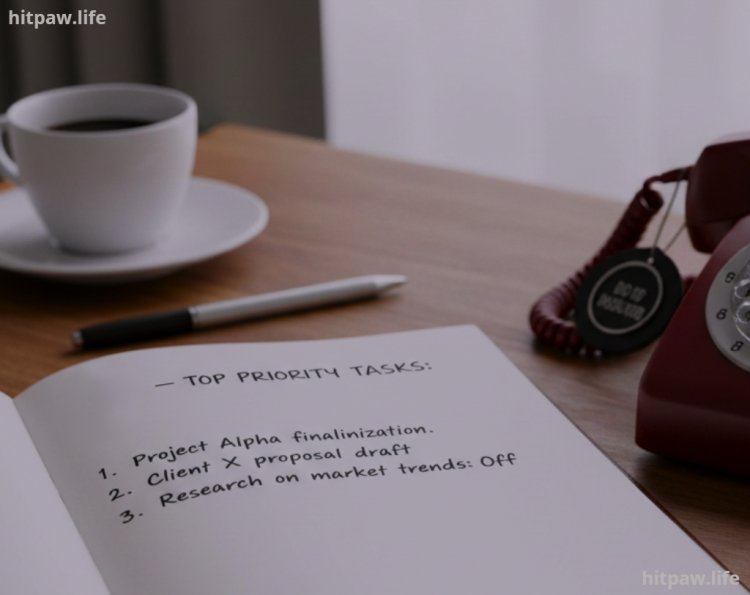
Step 2: Prioritize 3 Key Tasks (5 to 10 min)
I focus on 3 main priorities for the day. Everything else is secondary.
Step 3: Deep Work Block #1 (90 min)
Focus on a top priority task
Phone on Do Not Disturb
Emails and social media off
Step 4: Short Break (15 min)
Hydrate, stretch, take a walk
Avoid screens
Step 5: Deep Work Block #2 (60 to 90 min)
Continue top priority work or secondary tasks
Step 6: Admin / Communication Block (30 to 45 min)
Respond to messages, update clients, schedule social media
Step 7: Lunch Break (30 to 60 min)
Step away from desk, screen free
Step 8: Creative / Secondary Work Block (60 to 90 min)
Video editing, design, writing, or brainstorming
Step 9: Daily Reflection (10 to 15 min)
Check off completed tasks
Plan top 3 tasks for next day
Real Life Examples From My Experience
YouTube Scripts: I started using Notion templates and batch writing scripts to avoid last minute stress.
Blog Posts: Pomodoro blocks allowed me to write drafts faster, reducing mental fatigue.
Social Media: Scheduled posts in Canva and Buffer saved hours weekly, preventing exhaustion from multitasking.
Weekly Burnout Check
|
Area |
Question to Ask |
|
Energy |
Am I taking enough breaks and maintaining focus? |
|
Task Completion |
Did I finish top priority tasks without overworking? |
|
Creativity |
Am I spending time generating ideas, not just executing? |
|
Workflow |
Are my tools simplifying tasks or adding stress? |
|
Rest |
Did I get sufficient sleep and downtime? |
Tips That Helped Me Avoid Burnout
Time block everything: Protect focus periods.
Prioritize energy, not just tasks: Work on demanding tasks when energy is high.
Automate or batch repetitive tasks: Templates, scheduling, and batch content saves energy.
Take mental breaks: Walks, meditation, or short naps restore creativity.
Track progress visually: Whiteboards or Notion boards increase motivation.
Weekly review: Adjust workflow instead of forcing longer hours.
Real Feedback From My Experience
My content quality improved significantly
Workdays became predictable and less stressful
I felt motivated even after long projects
Burnout risk drastically decreased
Creative output increased due to focused workflow
Handling Stressful Days
Even with systems, tough days happen. I follow:
Shrink tasks: Focus on small, achievable wins
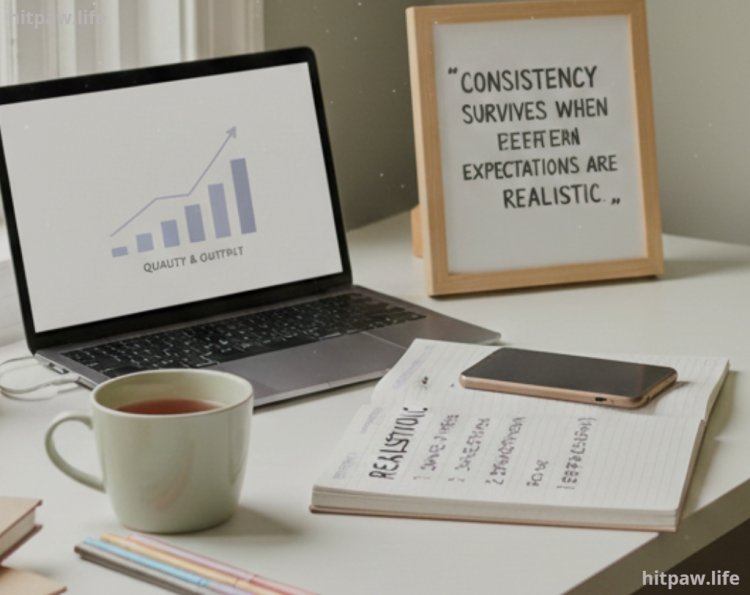
Lower expectations: Accept that not everything must be done perfectly
Restore momentum: Completing one small task helps regain focus
Finally
Burnout is not a failure it’s a signal to adjust your workflow. For content creators:
Prioritize energy over sheer effort
Protect deep work blocks to maintain creativity
Track progress visually to stay motivated
Adjust systems instead of forcing long hours
Schedule breaks and rest to sustain productivity
Implementing these strategies transformed my workflow from chaotic and exhausting to focused, motivated, and sustainable. Remember, avoiding burnout is a journey, not a sprint. Start small, track results, and adjust systems for long term success.
FAQs
1. How can I tell if I’m getting close to burnout?
Burnout usually shows up as constant fatigue, lack of motivation, irritability, or declining content quality. For me, I realized I was burned out when I started procrastinating even simple tasks and felt drained before starting work.
2. Do I need all the productivity tools mentioned?
No. I started with just Notion, Google Calendar, and a notebook. Additional tools like Clockify or Canva templates can help, but the core habit is time blocking, task prioritization, and routine. Tools are optional, habits aren’t.
3. How many hours should I work per day to avoid burnout?
I stick to 6 to 7 hours of focused work, broken into deep work blocks. Anything beyond that without breaks or energy management leads to fatigue and reduced creativity.
4. What should I do on days when I feel completely unmotivated?
Even on low energy days, I pick one small, achievable task, like drafting an outline or organizing files. Completing it creates momentum and prevents the day from being wasted.
5. Are breaks really necessary?
Yes. Breaks restore energy, improve focus, and prevent mental exhaustion. I follow the Pomodoro method: 25 to 50 minutes of work, 5 to 10 minute breaks, and a longer break after 90 minutes.
6. How long does it take to see results from these routines?
For me, it took 2 to 3 weeks of consistent practice. The first week feels forced, the second week uncomfortable, and by the third week, the workflow becomes natural.
7. What if I fail to complete my top tasks?
Don’t panic. I review why I didn’t finish maybe the task was overambitious, or my energy was low. Then I adjust the workflow rather than overworking. Sustainable productivity matters more than finishing everything.
What's Your Reaction?